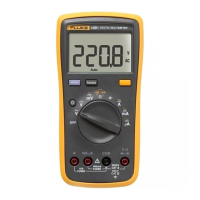
True RMS Digital Multimeters
Special Features
31
MIN MAX AVG Operation
Press MIN MAX to start recording MIN MAX values. In 5,000 count mode the
MIN MAX default recording rate is 4 measurements per second. Press and
hold
MIN MAX when turning on the meter to apply averaging, which reduces
the recording rate to 1 measurement per second (1 sec MIN MAX).
The
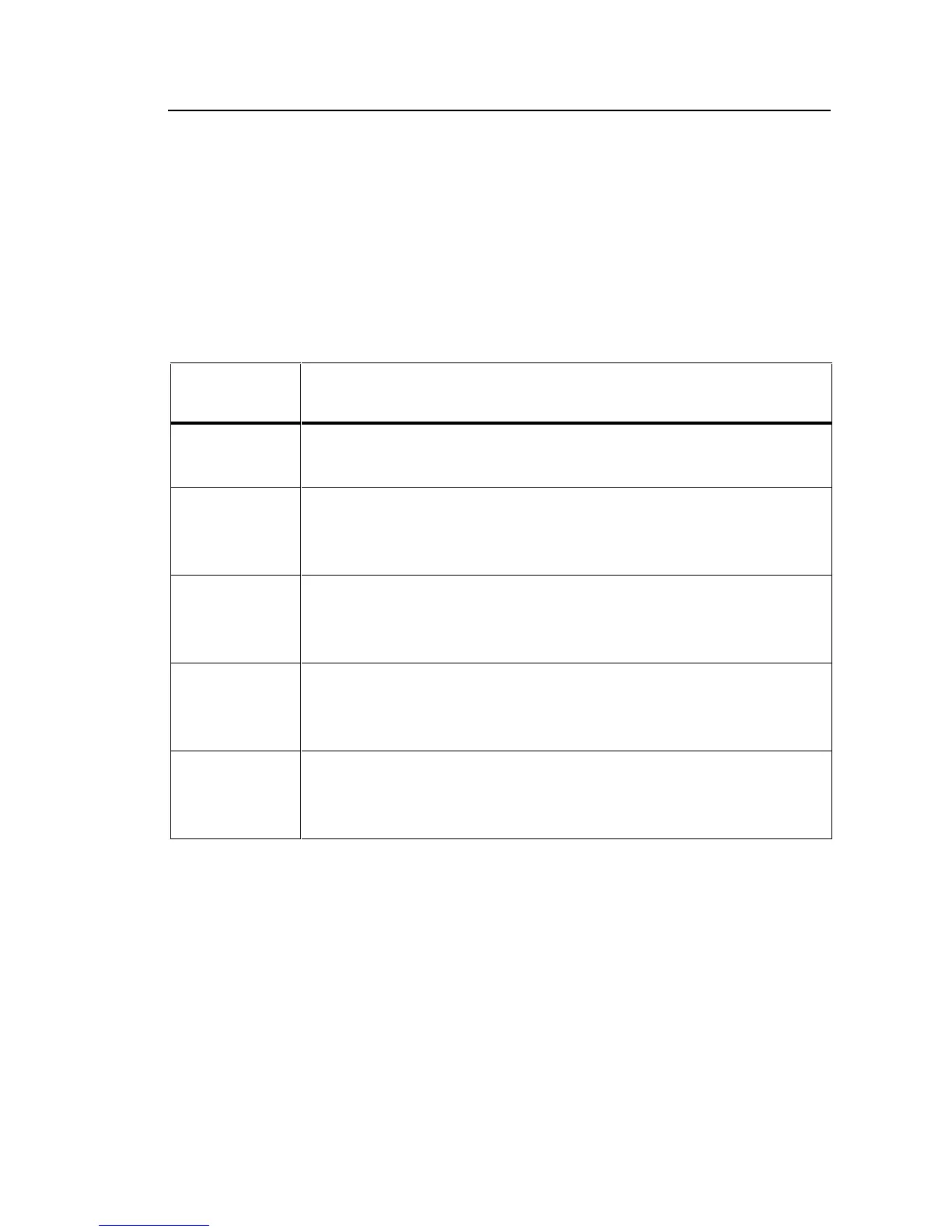
MIN MAX button cycles through the operations listed in Table 4.
Table 4. Min/Max Operations
Display
Indicator Description
M The live signal value is shown. The upper display shows the
elapsed time since the recording began.
MAX The MAX indicator and maximum value are shown. The upper
display shows the timestamp at which the maximum value
occurred, relative to the start of the test.
MIN The MIN indicator and minimum value are shown. The upper
display shows the timestamp at which the minimum value
occurred, relative to the start of the test.
MAX–MIN The MAX–MIN indicator and maximum value minus minimum
value are shown. The upper display shows the time difference
between the MAX and MIN events.
AVG The AVG indicator is shown and the value shown is the
average value of all meter readings. The upper display shows
the elapsed time since recording began.



 To Next Page