2-6
3.
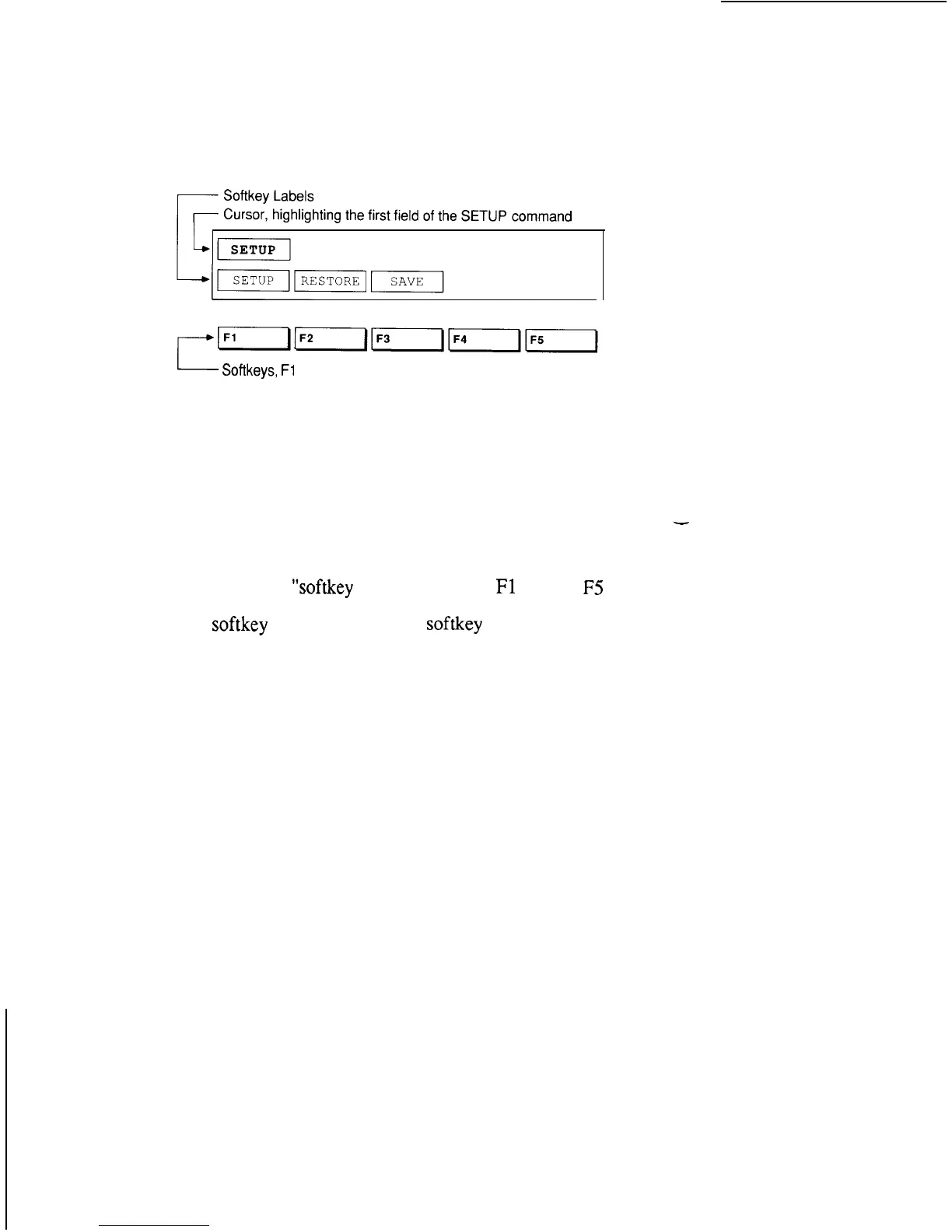
Press the SETUP MENU key. The SETUP
MENU command appears on the display.
POD REPORT POWER SUPPLY FAILURE ON
-Softkeys,
Fl
through F5
Notice the cursor, the flashing block over the word
SETUP. The cursor highlights a “field.” A field is a
word or number in a command that can be changed.
Do not change any fields yet.
The words in boxes on the bottom line of the display
are called
“softkey
labels.” The keys
Fl
through
F5
on the keypad are called “softkeys.” To select a
softkey
function, press the
softkey
on the keypad
just below the corresponding label.



 To Next Page