4.
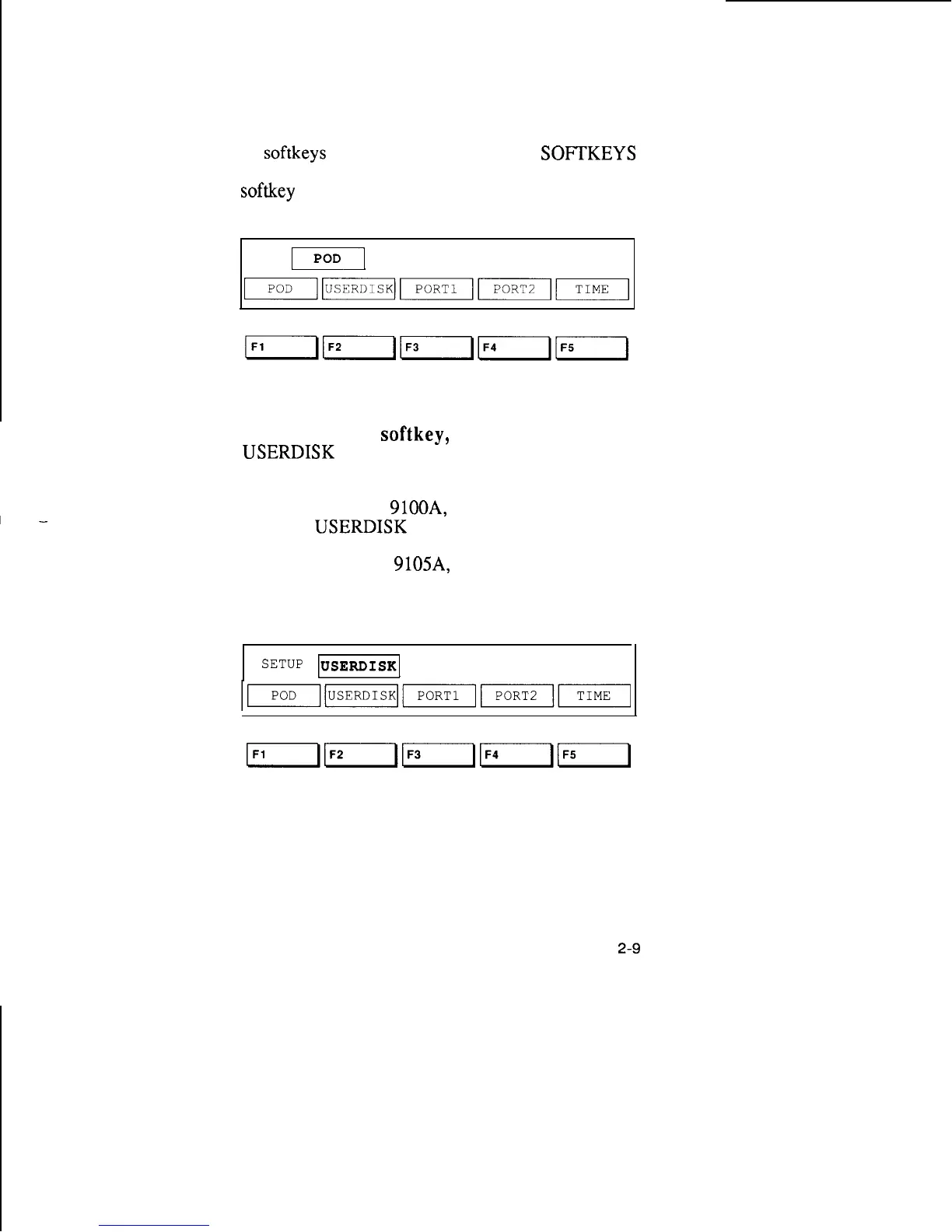
Press the RIGHT ARROW key. The cursor
moves to the next field (POD) and you see a new set
of
softkeys
for that field. The MORE
SOFTKEYS
light comes on, reminding you that there are more
softkey
labels than those displayed.
SETUP
II
REPORT POWER SUPPLY FAILURE ON
5.
Press the F2
softkey,
which is below the
USERDISK
label. The field now contains the word
USERDISK.
If your system is a
9100A,
the first line should read,
“SETUP
USERDISK
HDR”.
If your system is a
9105A,
the first line should look
like the display shown below:
SETUP
USERDISK
1
DR2
2-9



 To Next Page