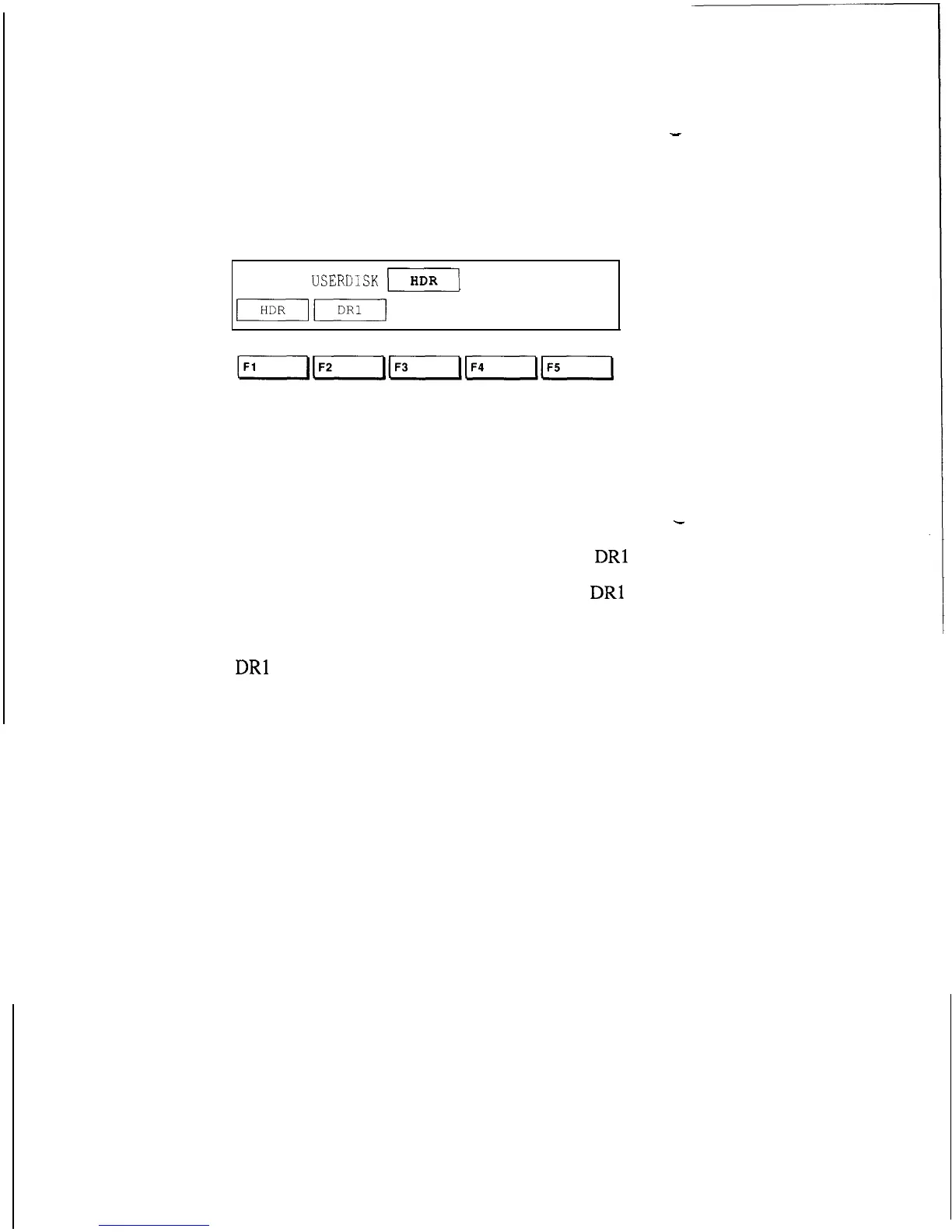
6. Press the RIGHT ARROW key. The display
-
now shows which disk drives are available for use in
the system
The example below is from a 9100A.
SETUP
USERDISK
)I
If you have a different system, your display will look
different, as indicated below:
Your System
Labels
-
9100A
HDR
DRl
9 105A (two micro-floppy disk drives)
DR2
DRl
HDR is an internal hard disk drive.
DRl
(Drive 1) is the upper disk drive.
DR2 (Drive 2) is the lower disk drive.
2-10



 To Next Page