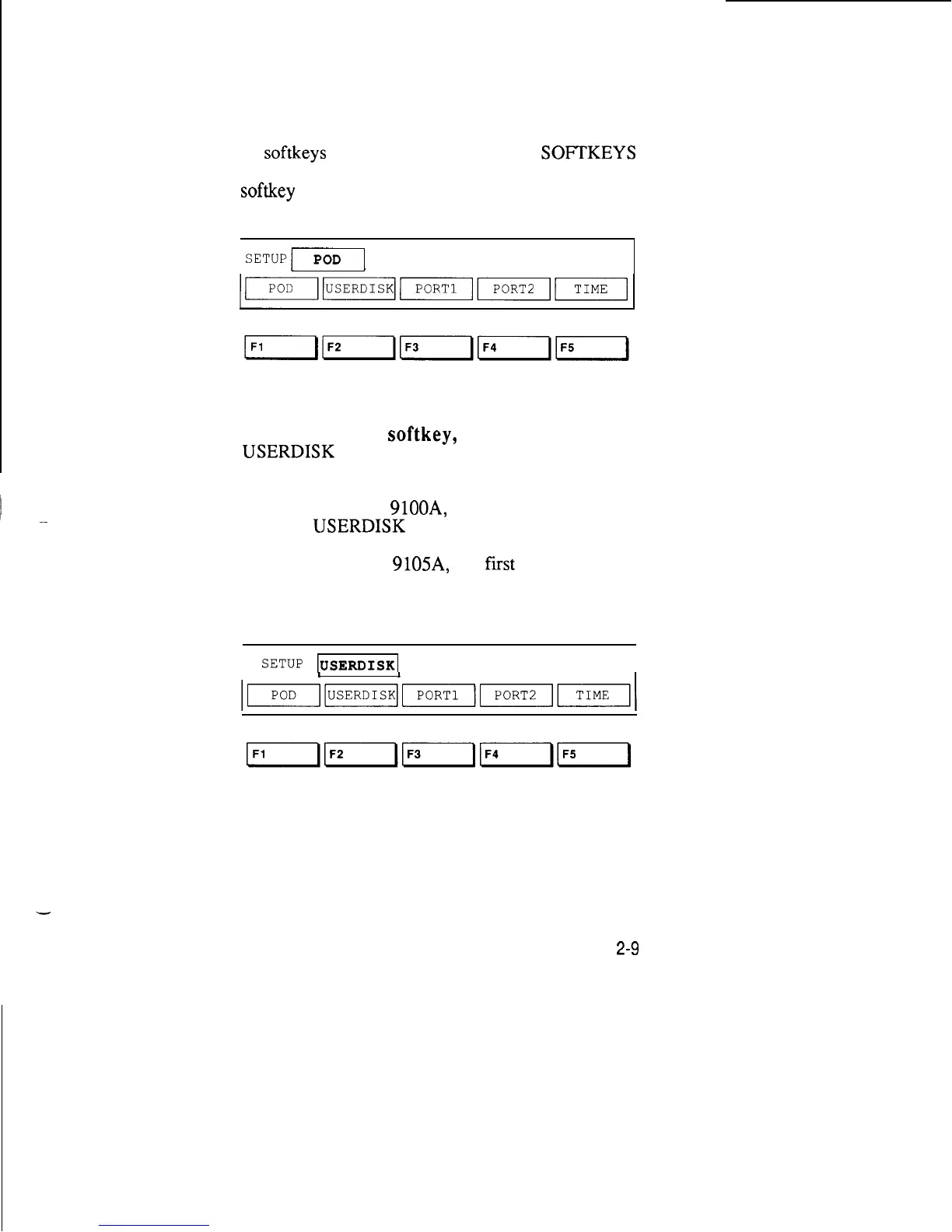
4. Press the RIGHT ARROW key. The cursor
moves to the next field (POD) and you see a new set
of
softkeys
for that field. The MORE
SOFTKEYS
light comes on, reminding you that there are more
softkey
labels than those displayed.
1
SETUPF]
REPORT POWER SUPPLY FAILURE ON
5.
Press the F2
softkey,
which is below the
USERDISK
label. The field now contains the word
USERDISK.
If your system is a
9100A,
the first line should read,
“SETUP
USERDISK
HDR”.
If your system is a
9105A,
the
first
line should look
like the display shown below:
SETUP
m
DR2
I
I
1
I
I
2-9



 To Next Page