-
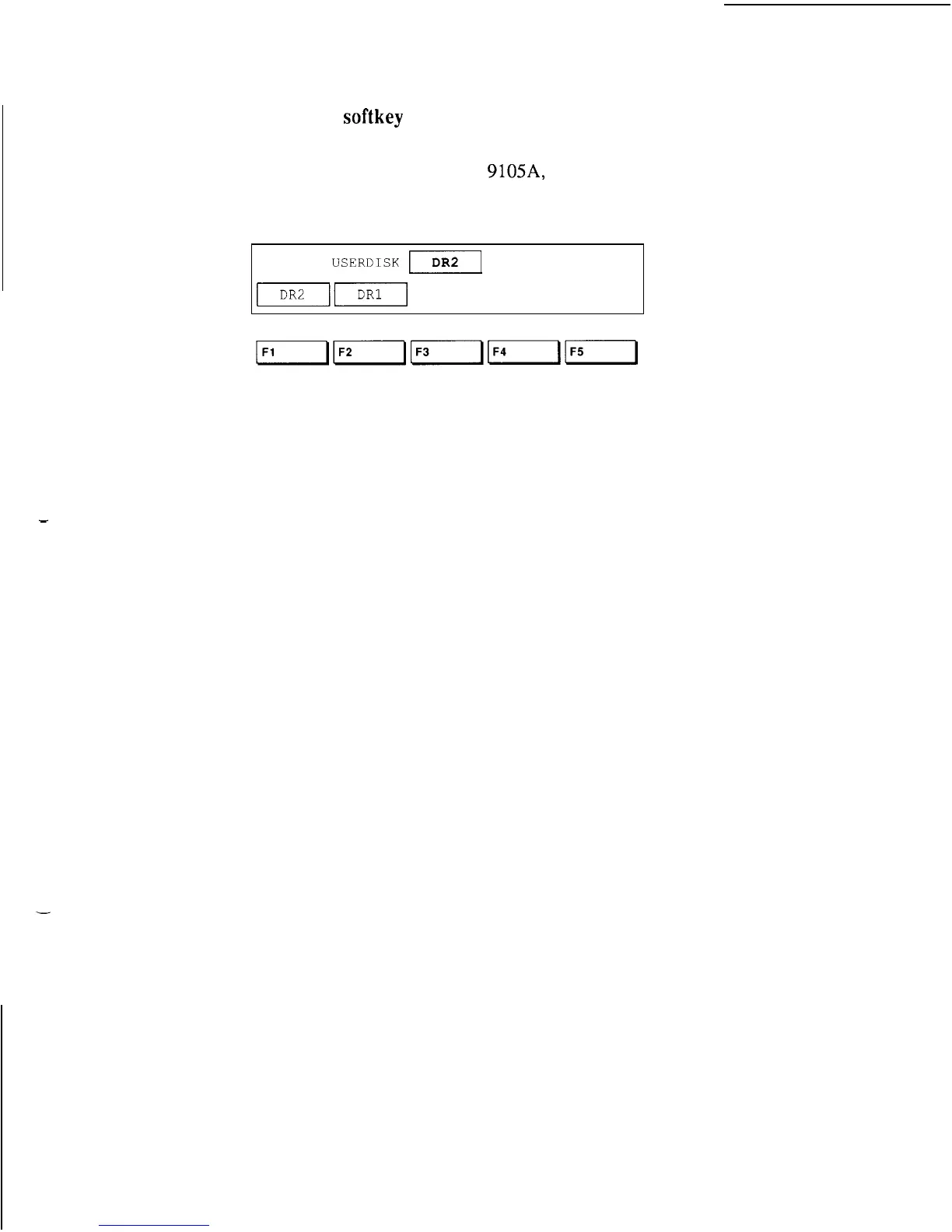
7. Press the
softkey
directly below the label of
the disk drive you want to use.
The example below is from a
9105A,
so it shows
only the two micro-floppy disk drives.
SETUP
USERDISK
m
If DR2 is selected, the system will always execute
programs from user disks in Drive 2 until told to do
otherwise.
In normal use you rarely need steps 3 through 7
because, when you configure the system as
described in Section 4, disk drive selection should be
automatic. This example took you through these
steps to introduce softkeys.
2-11



 To Next Page