BP Pump 2
Operators Manual
1-10
Powering Up the Tester
The Tester is very simple to power up. Follow these steps:
1. Plug in a three-pronged power cord to the back of the unit.
2. Plug the cord into an appropriate socket, ensuring that the external power
source is properly rated for the system.
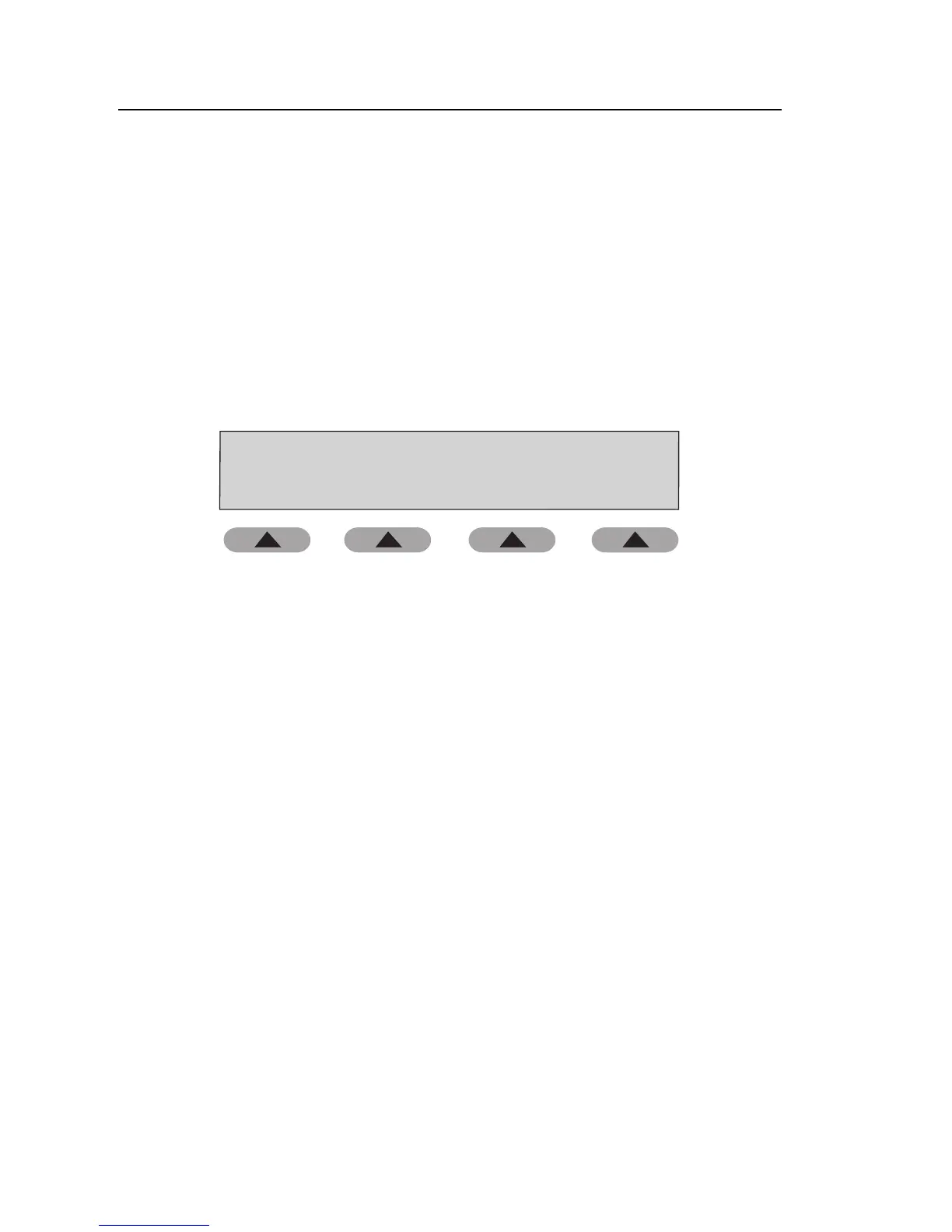
3. Move the power switch above the plug to the on position. After two
momentary screens, the Tester displays the Main menu, from which all
Tester functions are selected.
Fluke Biomedical BP Bump 2
SETUP
PRESSURE
TESTS
AUTO
SEQUENCE
PERFORM
SIMULATION
fas31.eps
Specifications
The following are specifications for the Tester. Please contact your Fluke
Biomedical service representative for more information regarding the device
specifications.
Mains Voltage
Range ......................................................................100 - 240 V ac 50/60 Hz, 60 VA
Environmental Conditions
Operating Temperature ...........................................15 °C to 40 °C
Storage Temperature ..............................................-20 °C to +65 °C
Relative Humidity ....................................................90 % max
Pressure Measurement
Units ........................................................................kPa
mmHg
cmH
2
O
inH
2
O
psi



 To Next Page