BP Pump 2
Operators Manual
3-22
Editing Auto Sequences
Use the following steps to edit an auto sequence:
1. Press the AUTO SEQUENCE soft key to access the Auto Sequence
menu.
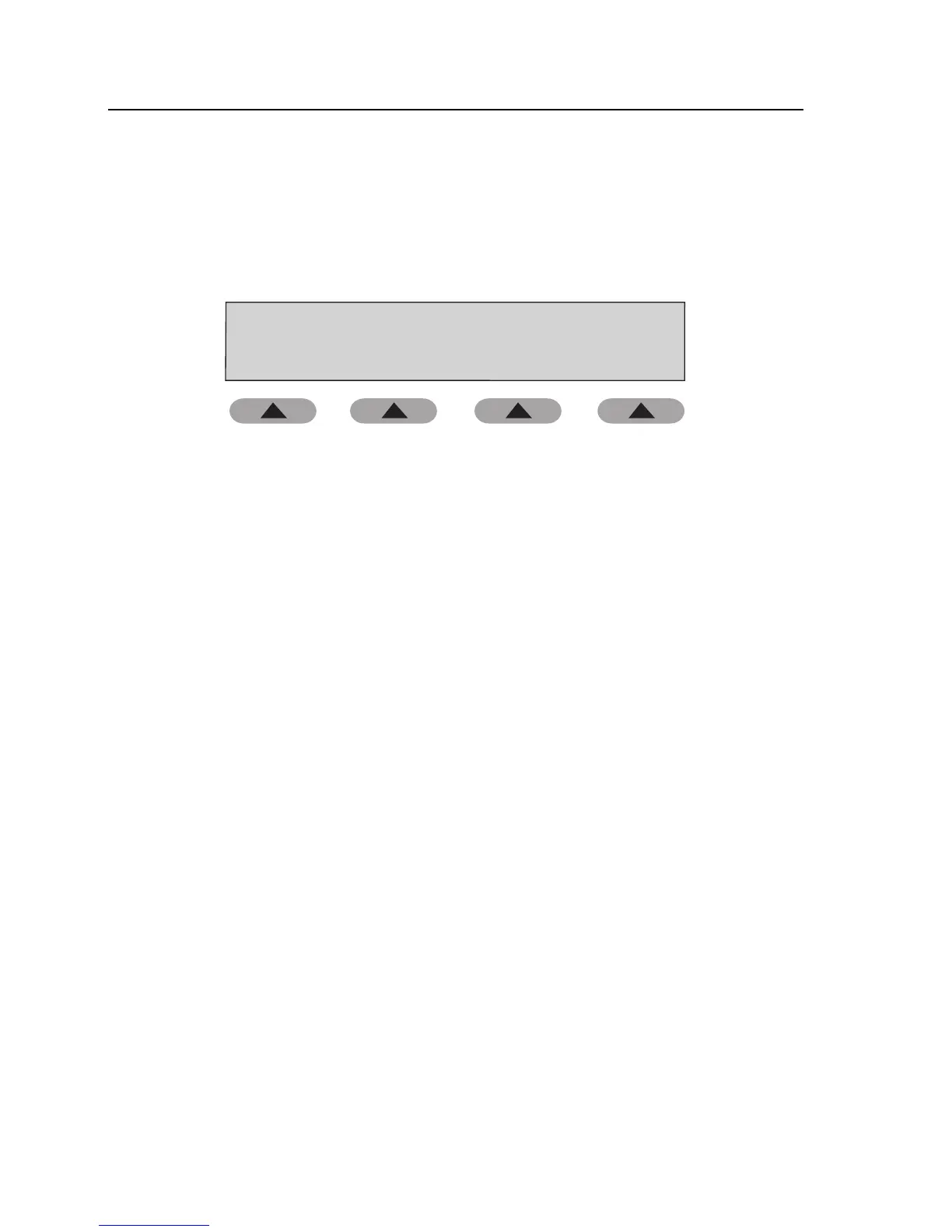
Auto Sequence
EDIT PRINTRUN
fas36.eps
2. Press the EDIT soft key.
3. At the Select Auto Sequence prompt, press a numeric key (1-9), followed
by the ENT key. You are prompted to select, enable, or disable each of the
components listed below. Press the ENT key at each of the prompts to
advance to the next selection.
• Print Auto Sequence Result
• Pressure Gauge Test
• Pressure Source Test
• Pressure Leak Test
• Pressure Relief Valve Test
• Cuff Selection
• NIBP Simulations (1-5)
Note
By default, each auto sequence is configured to perform the Leak Test,
Relief Test, and BP Simulation #1 (120/80) Changing the cuff selection
changes the available BP Simulation options.
4. When finished, either press the RUN soft key to run the sequence or press
HOME to return to the Main menu.



 To Next Page