Operation
Simulations
3
3-17
To perform Arrhythmia Simulations, do the following:
1. Access these simulations by pressing the 6 ARRHYTHMIA key. The
Arrhythmia screen appears.
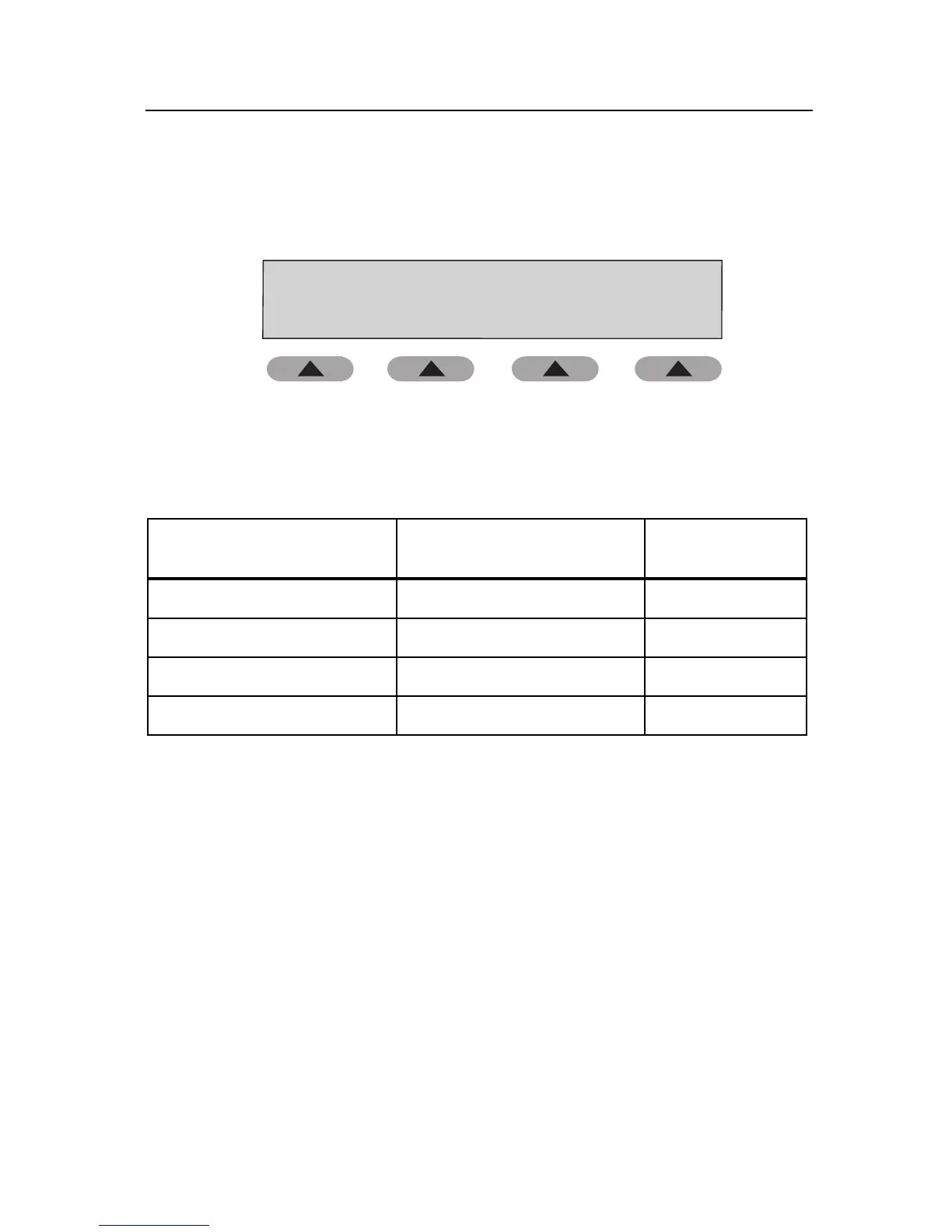
Arrhythmia Simulation
Pre Atrial Cont. 1
Cuff: External
OPTIONS CUFF
ready ....
138/ 53 (81)
80 BPM
fas09.eps
2. Press the OPTIONS soft key to scroll through the simulation choices.
Parameters for Arrhythmia simulations are shown in Table 3-4.
Table 3-4. Arrhythmia Simulations
Arrhythmia Type
Blood Pressure (mmHg)
(MAP)
Heart Rate
(bpm)
Premature Atrial Cont. #1 138/53 (81) 80
Premature Atrial Cont. #2 144/64 (90) 83
Premature Ventricular Cont. 118/61 (80) 83
Atrial Fib and PVCs 139/72 (94) 91
3. Press the CUFF soft key to select Internal Adult or External cuff.
4. Press Start on the NIBP unit.
5. Compare values on the NIBP unit with those on the Tester.
6. Press HOME to return to the Main menu.



 To Next Page