Operation
Simulations
3
3-13
Note
The <START> soft key is not applicable to the pressure gauge test and
does not display.
3. Apply pressure to the pressure port and read the displayed pressure in the
upper right corner of the screen.
Note
You can use a squeeze bulb or syringe to apply adequate pressure.
4. Press HOME to return to the Main menu.
Simulations
The following sections describe various simulations that the Tester accomplishes.
For all of the following tests, it is important to select the correct cuff.
To perform simulations, take the following actions:
1. Power on the NIBP unit.
Note
Either disable the alarm or be prepared to silence it when it sounds.
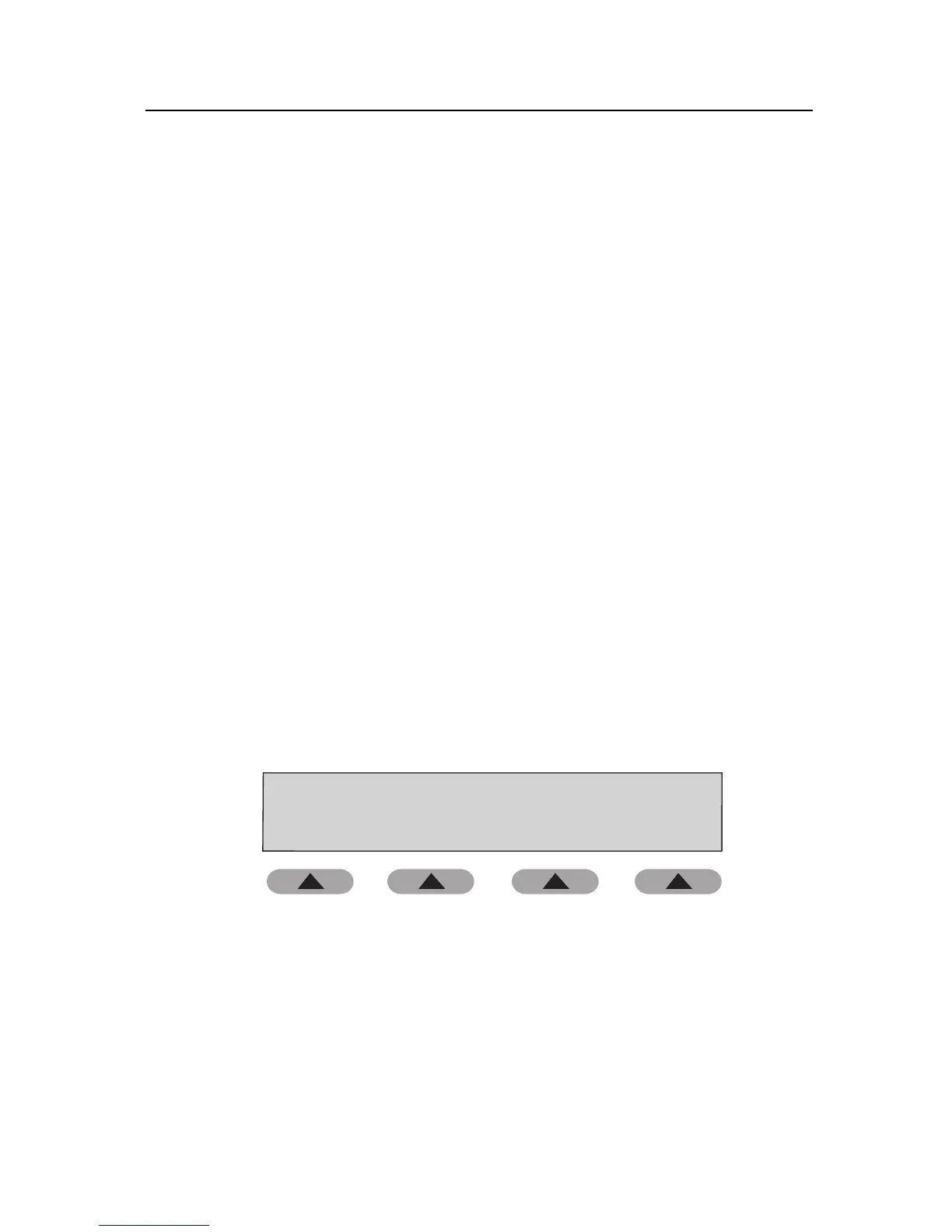
2. Use the soft keys, beginning from the Main menu:
Fluke Biomedical BP Bump 2
SETUP
PRESSURE
TESTS
AUTO
SEQUENCE
PERFORM
SIMULATION
fas31.eps
3. Press the PERFORM SIMULATION soft key to access the Select
Simulation Type menu. From this menu, you can access the simulations
described below:



 To Next Page