Operation
Auto Sequences
3
3-21
User-Defined
User-Defined simulations and how to create them are described in “Setting Up the
Tester.”
The following describes how to run such a simulation.
1. Select from any of the previously-defined simulations by pressing the 0
USER DEFINED key. The User Defined screen appears.
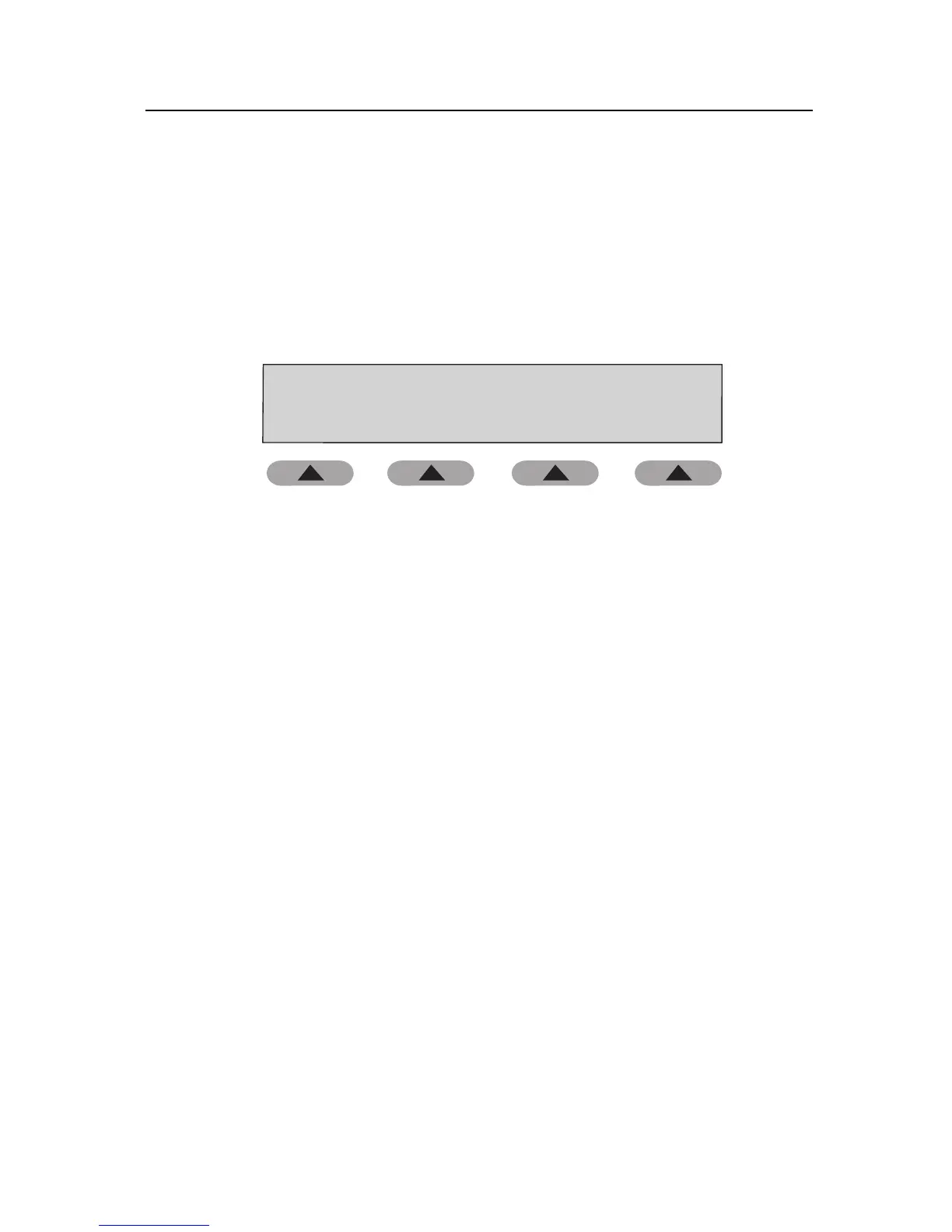
User Defined
Simulation 1:
Cuff: External
OPTIONS CUFF EDIT
ready ....
120/ 80
75 BPM 0.70 cc
fas15.eps
2. Press the OPTIONS soft key to scroll through the simulation choices.
3. Press the CUFF soft key to select External, Internal Adult, or Internal
Neonate cuff.
Note
It is important to select the correct cuff.
4. Press Start on the NIBP unit.
5. Compare values on the NIBP unit with those on the Tester.
6. Press HOME to return to the Main menu.
Auto Sequences
It is possible to create up to nine customized auto sequences. An auto sequence
contains all four pressure tests and five simulations. The operator can disable any
of these tests or simulations. A printout of the auto sequence result can also be
enabled. The operator must make a cuff selection; this determines what NIBP
simulations are displayed for that selection.



 To Next Page