BP Pump 2
Operators Manual
3-16
Patient Condition
Healthy
Cuff: External
OPTIONS CUFF
ready ....
120/ 80 (93)
75 BPM 0.68cc
fas08.eps
2. Press the OPTIONS soft key to scroll through the simulation choices.
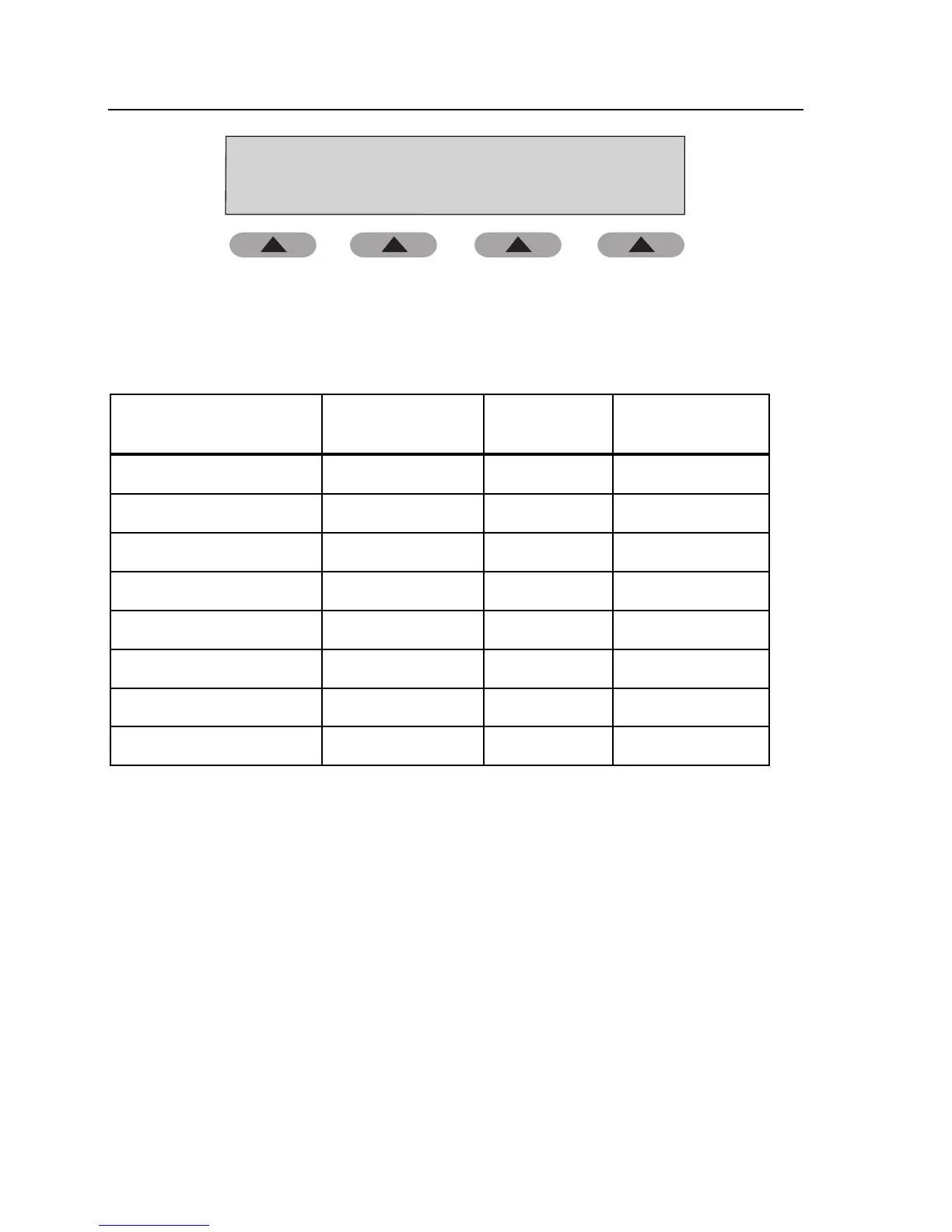
Parameters for Patient Condition simulations are shown in Table 3-3.
Table 3-3. Patient Condition Simulations
Patient Condition
Blood Pressure
(mmHg) (MAP)
Heart Rate
(bpm)
Pulse volume
(cc)
Healthy Heart 120/80 (93) 75 0.68
Weak Pulse 110/80 (90) 95 0.50
Mild Exercise #1 140/90 (106) 120 1.00
Strenuous Exercise #2 140/90 (106) 162 1.40
Obese Subject 120/80 (93) 90 0.50
Geriatric Subject 150/110 (123) 95 0.40
Tachycardia 120/105 (110) 130 0.40
Bradycardia 120/60 (80) 45 1.10
3. Press the CUFF soft key to select Internal Adult or External cuff.
4. Press Start on the NIBP unit.
5. Compare values on the NIBP unit with those on the Tester.
6. Press HOME to return to the Main menu.
Arrhythmias
These waveforms cause erratic readings on some NIBPMs. The blood pressure
determination strongly depends on exactly what is happening with the subject's
blood pressure when the cuff pressure is at a particular level. Some NIBPMs
pause until they detect two or more equivalent beats. The pattern of step deflations
and the measured blood pressure depend on which beats occur during each step of
the cuff pressure.



 To Next Page