BP Pump 2
Operators Manual
2-8
Self Test
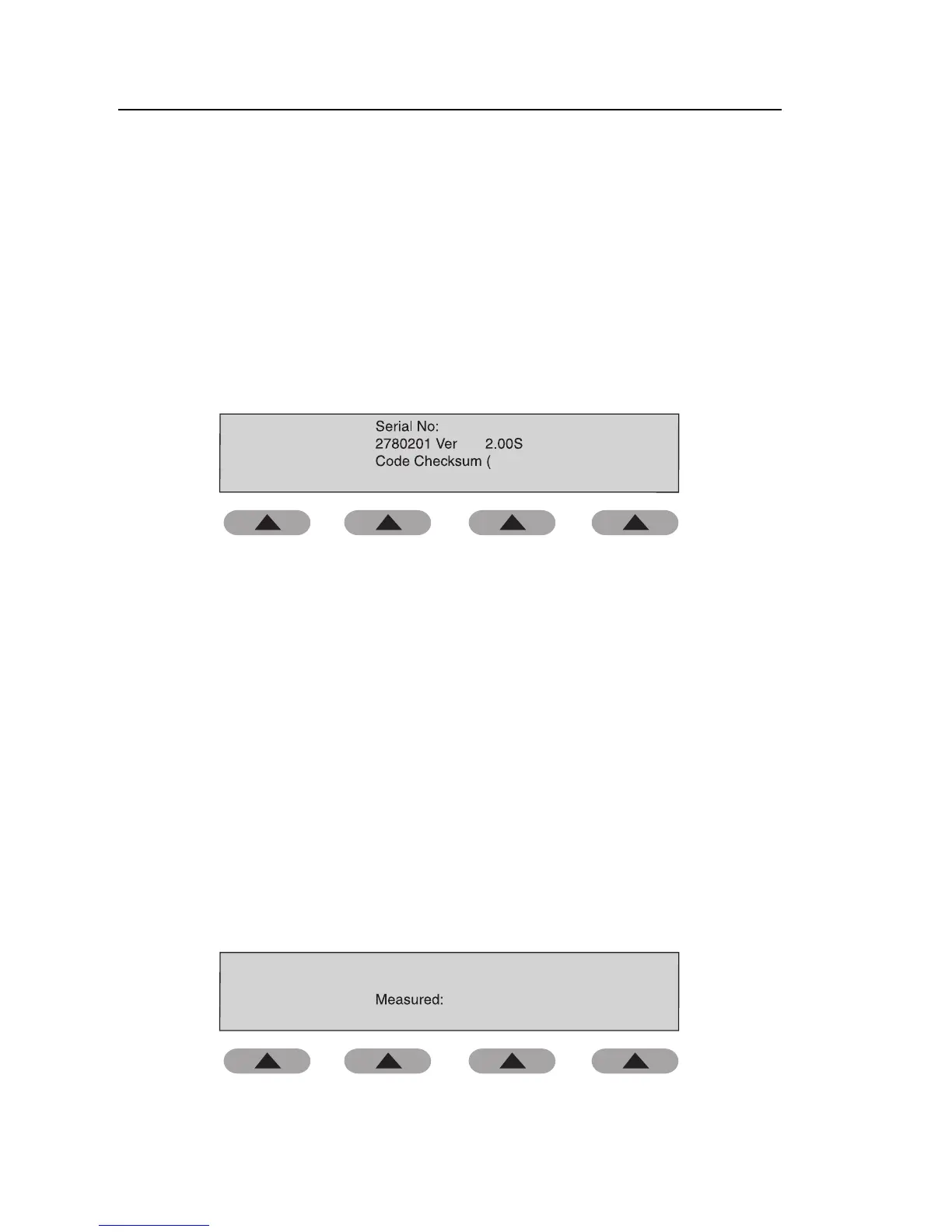
The tester runs a self test, displaying the software version and checksum, the
serial number, and the model number. A motor check is also performed.
To run a self test, do the following:
1. Use the soft keys to follow the menu path shown below.
SETUP C *MORE C SELF TEST
The Self Test screen appears:
Fluke BP Pump 2
Heise Label: 002422 FW Version: 3.36
204634
mm Hg
5180)
fas28.eps
2. When finished, press ENT to return to the Setup menu.
3. If desired, press HOME to return to the Main menu.
Zero Pressure
The Zero pressure option allows the user to re-zero the pressure. The function
is similar to the tare of a scale. This re-zeroing lasts until the unit is zeroed
again or until the power is shut off.
To zero the pressure, do the following:
1. Use the soft keys to follow the menu path shown below.
SETUP C MORE C MORE C ZERO PRESSURE
The Zero Pressure (Remove connection …) screen appears:
HA: 0.3 mmH 0g
ZERO
mm Hg
Remove connection to pressure port and
press ZERO key
fas29.eps
2. When finished, press ENT to return to the Setup menu.



 To Next Page