TiX500, TiX520, TiX560, TiX580
Users Manual
10
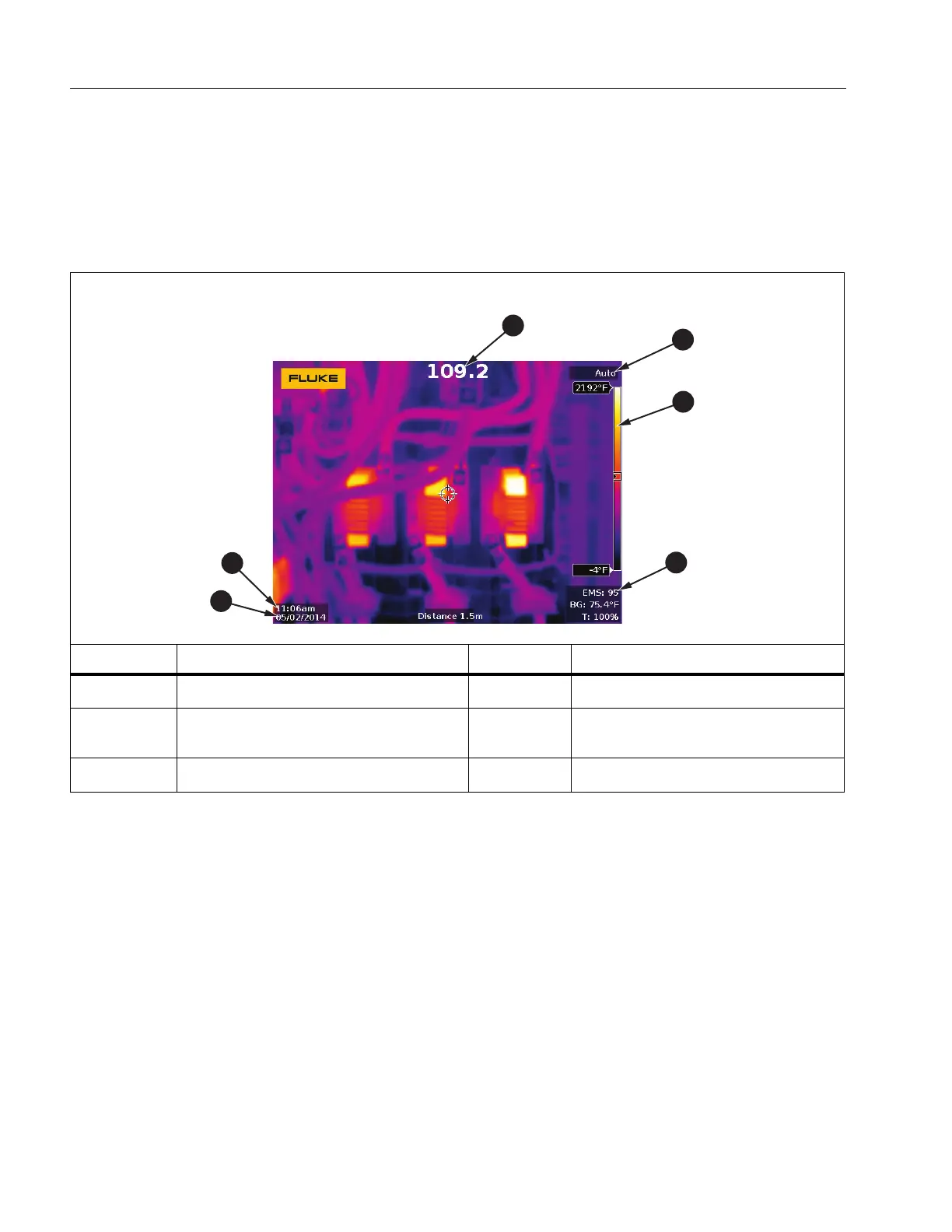
Touch Screen
The touch screen is a shortcut to the most used settings. To change parameters or select
functions and options, touch a target on the display.
The touch screen has a backlight for work in dimly lit spaces. Table 6 shows the location of
each touch target. When not in a menu, double tap on the display to capture an image.
Table 6 . To uch Ta rgets
Item Description Item Description
Opens the Temperature Unit menu Opens the Measurement menu
Toggles Manual/Auto Level and
Span
Opens the Date menu
Opens the Palette menu Opens the Time menu
Shop for Fluke products online at:
1.888.610.7664
www.MyFlukeStore.com



 To Next Page