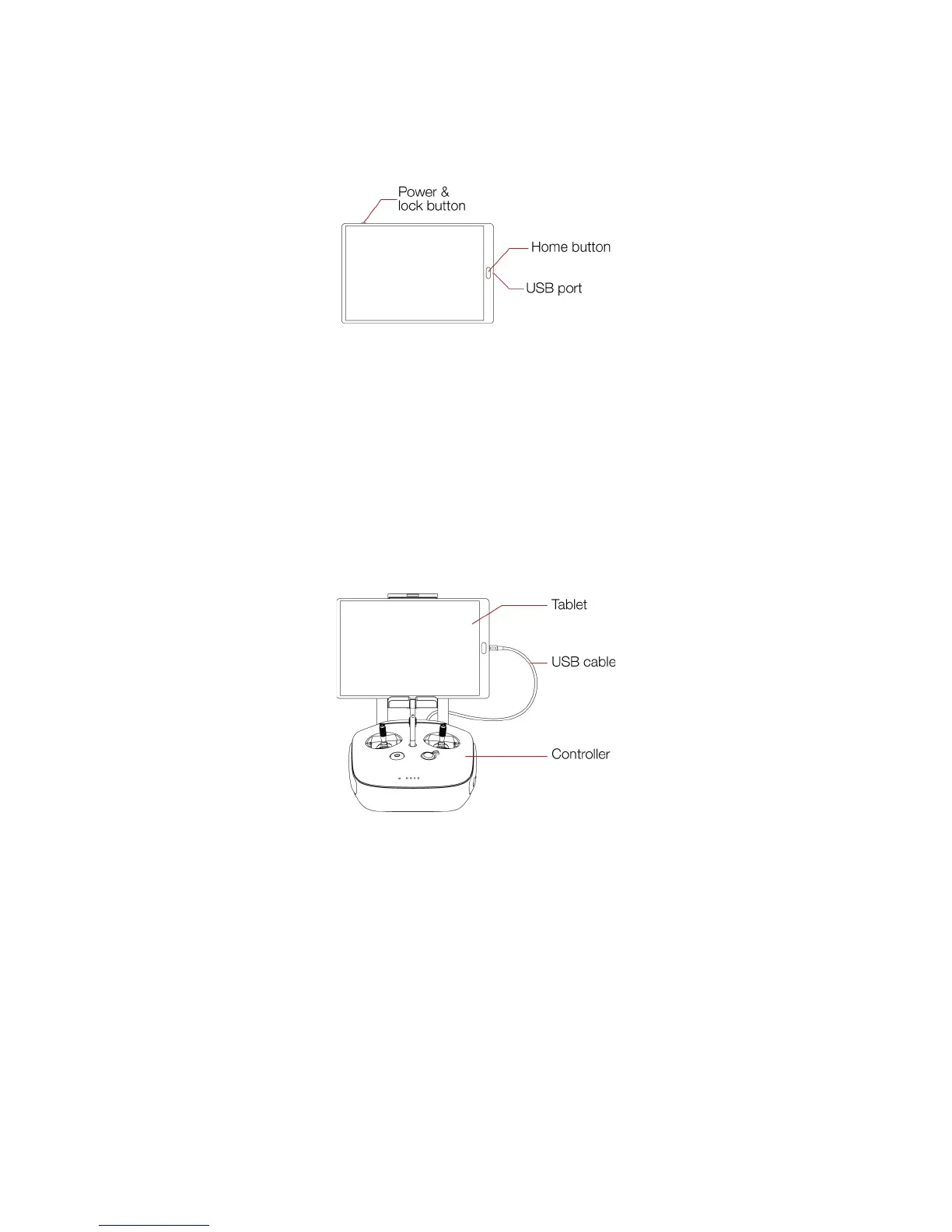
Power on/off the tablet and lock the screen
Home button
Quit an application and go to the main menu
USB port
Get the live video feed from the controller and recharge the tablet battery
3.2.3 USB cable
The USB cable is used to connect the Tablet to the Controller.
To charge the GCS, use the provided charger. The use of non approved charger may result in battery
damaged and risk of fire.
To charge the tablet, connect the USB cable to the USB port of the tablet. Put the other end of the cable
to the USB wall charger. Plug the USB wall charger to the wall socket.
To charge the controller, connect the controller charger to the barrel jack of the controller. Plug the other
end of the charger to the wall socket



 To Next Page