30
4.7 Elios cockpit
Elios cockpit is a specifically development and design tablet application for Elios. All the useful
information that the pilot requires during a flight is nicely displayed.
4.7.1 Connection progress
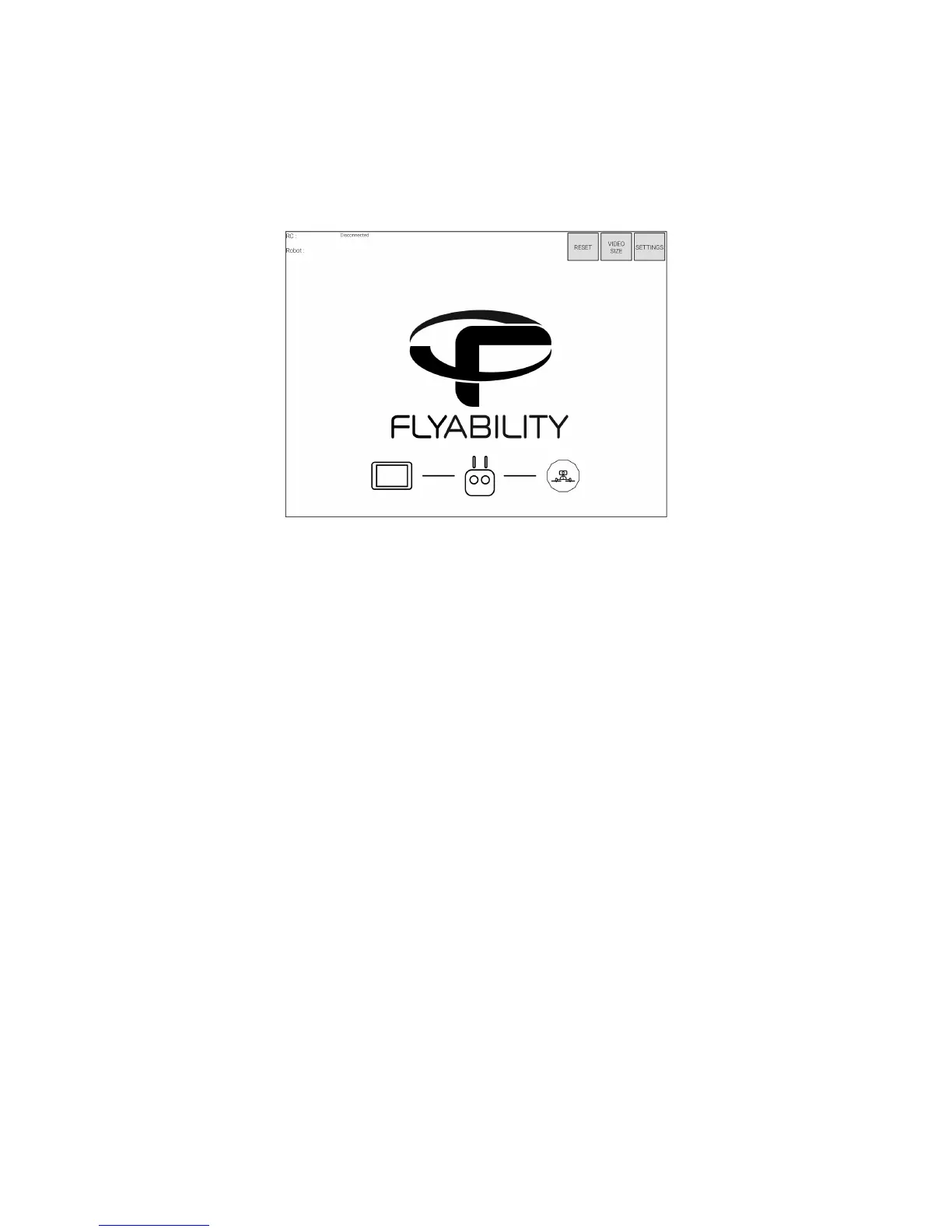
Figure 4.16: Main screen when no robot is connected
The main screen is the one on which you land when running the app.By default, it contains a Flyability
logo and some information on the edges.
At this point, the application is waiting for a controller and robot to connect. When the connection is
established, the logo is replaced by the video from the camera and flight information appears on the
sides.
The progress bar on the bottom informs of the current connection status using icons.
Controller flashing
The controller is being searched; connect it and make sure it is turned on
Robot icon flashing
The controller is recognized and is now looking for the robot. Make sure the robot has a battery and
is turned on.
When the connection process is complete, the application leave place to the cockpit.



 To Next Page