48
8.2 Incident report
If you encounter an incident with your drone or if you noticed an unusual behavior, do not hesitate to
report it.
To figure out how to treat the issue you are experiencing, our support team needs to understand the
environment the robot was flying in as well as how the robot sensed it. All the data you will provide us will
be confidential and only treated by Flyability. All data will be removed from our servers as soon as your
problem is solved.
To this extend, it is necessary that you to fill the following form to describe the condition of the
flight: Drone incident form [http://goo.gl/forms/wYyNssC5yq]
8.2.1 Sending data
The data and other images recorded by the robot are very valuable in our diagnostic process. So please
send us the datalog and video files corresponding to the incident.
8.2.2 New request
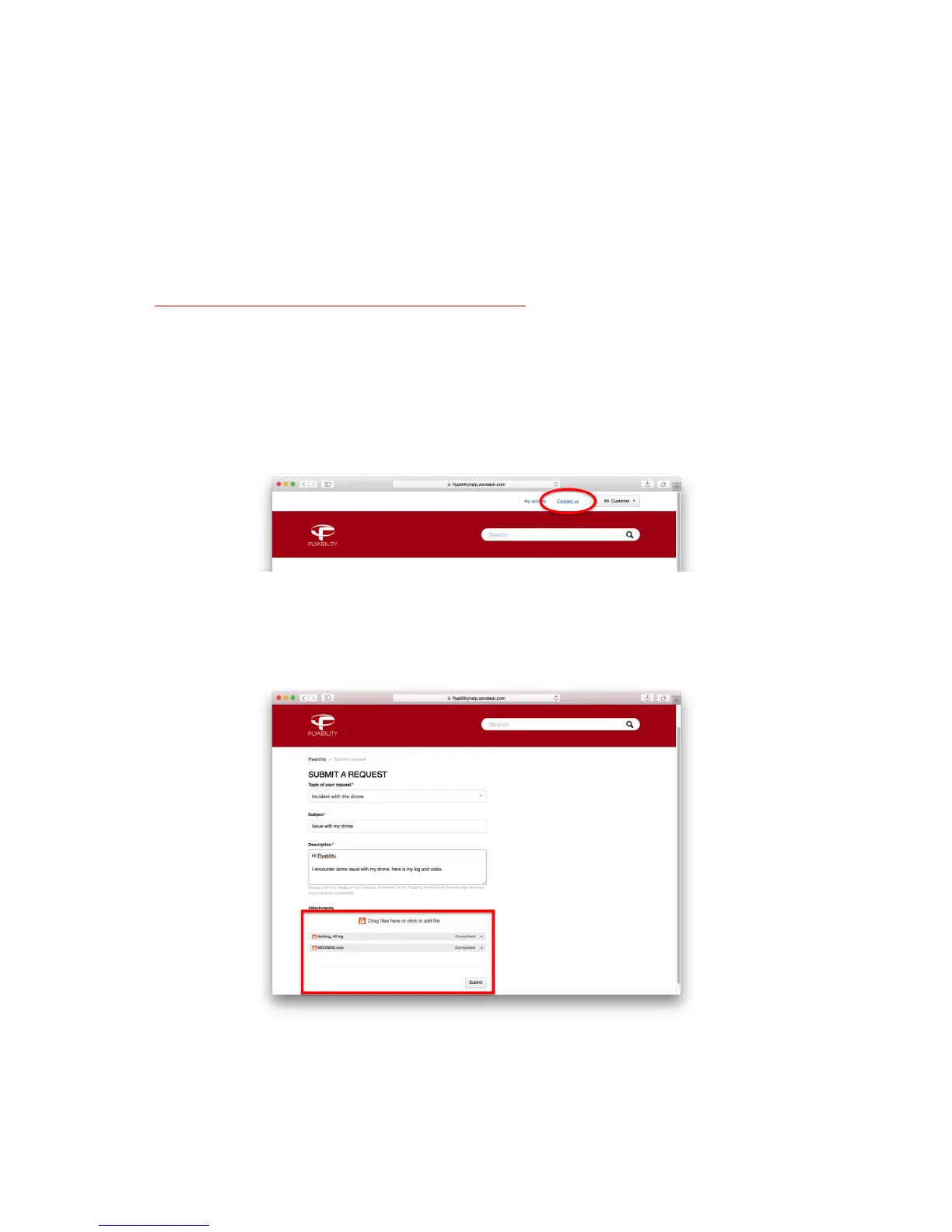
If you are opening a new request, click on "Contact us".
Figure 8.2: Contact us
Fill the form. By clicking on the attachment box, you will be able to browse and select the file you want to
upload. You can also drag and drop the file directly on the attachment box. Once the upload completed,
click on "submit".
Figure 8.3: Attach large file to a new request



 To Next Page