21
Operation - Manual Functions
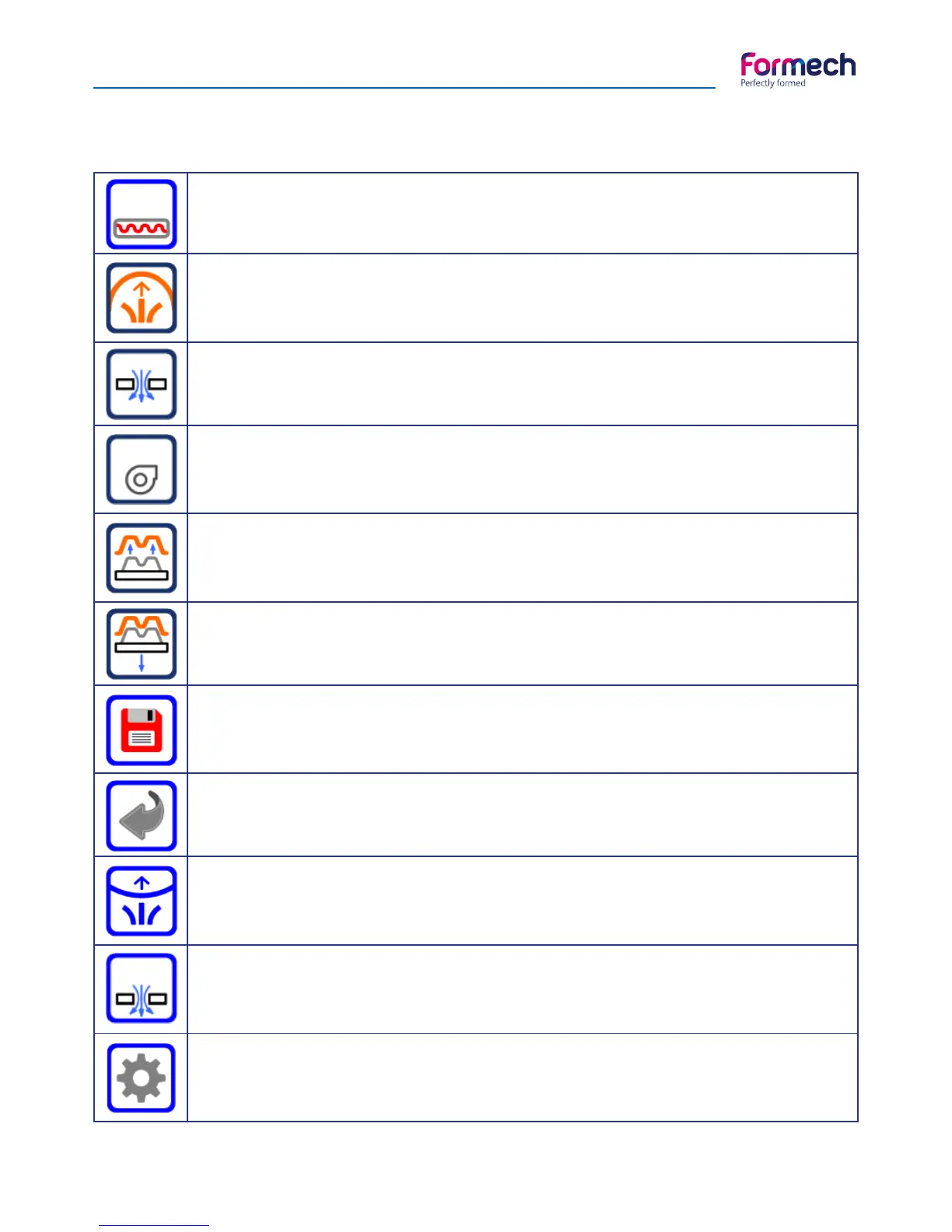
Heater timer
Shows the heater time. Press on the time value to adjust the heat timer on the operation
screen. The time cannot be adjusted in manual mode.
Pre-Stretch
This operation will turn on the compressed air valve to allow air to flow into the sealed ca-
binet. This function does not latch. Press & hold to run. The Icon will change colour when
pressed.
Vacuum
This operation will latch the pump and the vacuum valve on to apply vacuum to the table
hole. The Icon will change colour when pressed.
Fan timer
This operation will latch the fan on for the time set for loaded settings. The fans will turn off
when the time has elapsed. The Icon will change colour when pressed. Press again at any
time to stop the fan.
Release
This operation will apply compressed air to the table hole. This function does not latch but will
unlatch the vacuum. Press & hold to run. The Icon will change colour when pressed.
Table down
This operation will drive the table down. This function does not latch so it can be used to
lower the table in steps if required. Also see section regarding the setting of table speed.
Save
When in the operation screen this allows the user to save the program or the times just used
onto the memory and store as a new job. This function opens the settings screen. Also used
on settings screens to save memory changes.
Back
This operation will exit the main operation screen and return to the main menu screen.
Auto-level
This operation enables the beam sensor to provide automatic levelling of the sheet level
during heating. Compressed air is applied under the heated sheet when the beam is broken.
This button latches and may be unlatched at any time.
Auto-Vacuum
This function allows the vacuum to be triggered by a limit switch mounted on the cylinder.
When this feature is enabled the vacuum will be turned on automatically when the table is
driven up. The switch position is adjustable.
Settings
This button provides access to the settings screen where the operating parameters may be
adjusted.
AUTO
Icons descriptions



 To Next Page