30
Operation - Heater Settings
Heater controls & heater arrangement
1 23
4
5
6
Front
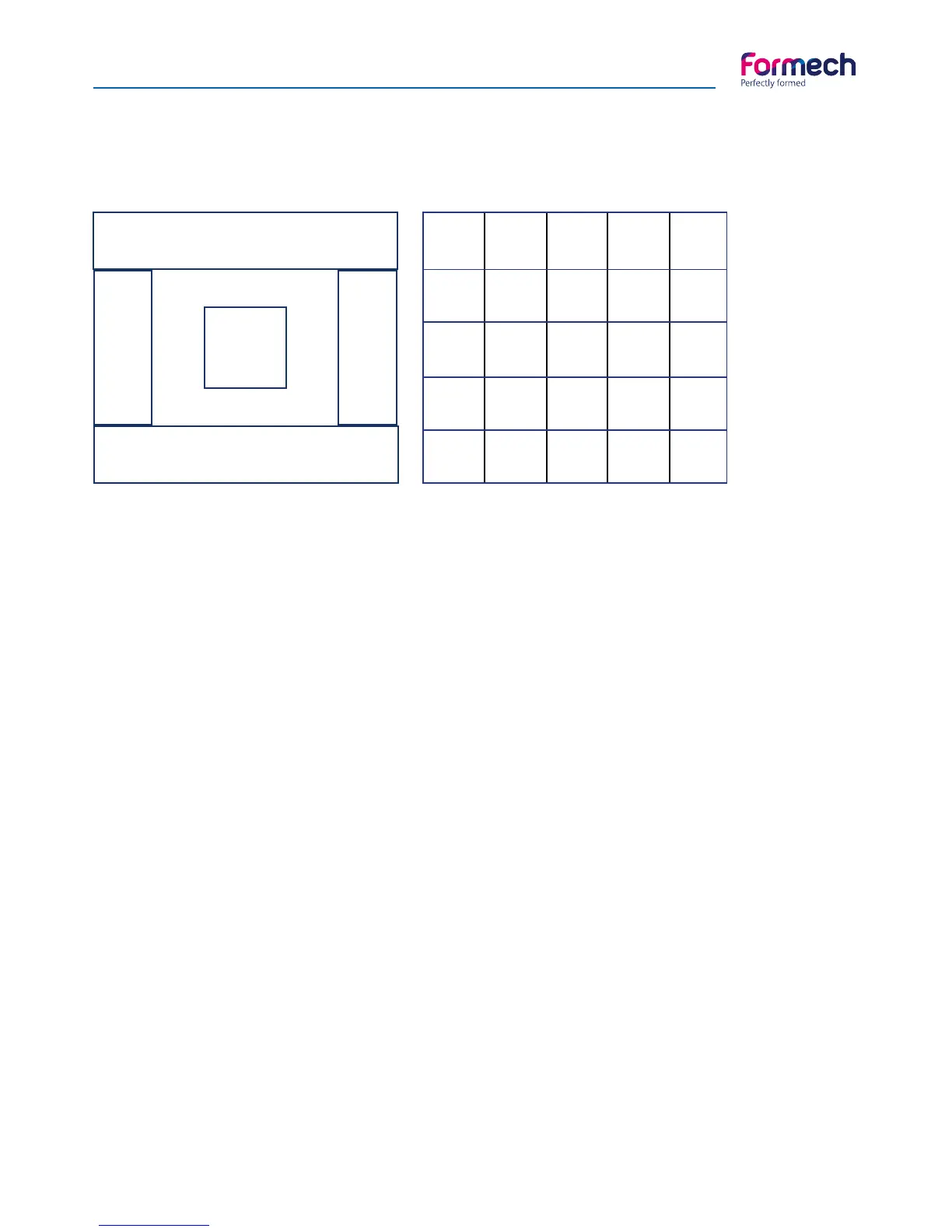
686PT Zone layout
300W 300W 300W 300W 300W
300W 250W 250W 250W 300W
300W 250W 250W 250W 300W
300W 250W 250W 250W 300W
300W 300W 300W 300W 300W
Heating zone control and adjustment
The heating zone control is adjusted through the touch screen. The quartz heaters are designed to heat
the plastic rapidly without burning the surface. The time required to heat the plastic sheet remains fairly
constant.
Heater movement is manually operated – always use the blue handle. Operators are able to send the heater
partially back to check the condition of the plastic and then bring it forward to continue the heating process.
There are 6 controllable heat zones allowing the operator to either switch off zones not required or adjust
the individual zone outputs in 1% increments from 0-100%.
Individual zones may be set up to provide even heat. To achieve the best results set the inner zones lower
than the outer zones. The rear of the heater will always run hotter than the front. The inner zones retain heat
more and outer zones lose the heat more quickly. When using reducing frames the zones not in use should
be turned down or OFF.
The central 9 heating elements are specified with lower power (250W) than the outside elements to allow
for centrally retained heat. Allow for this heat profile when setting.
Always push heaters over the rear heat shield when not heating plastic. Having set the heaters, slight ad-
justments may have to be made depending on the mould design, plastic type / thickness / colour and the
machine & environment temperature / conditions.
When the heater is in the standby position (rear position) the quartz heater may be set to idle at a lower
level to reduce the machine power consumption.



 To Next Page