27
Operation - Settings
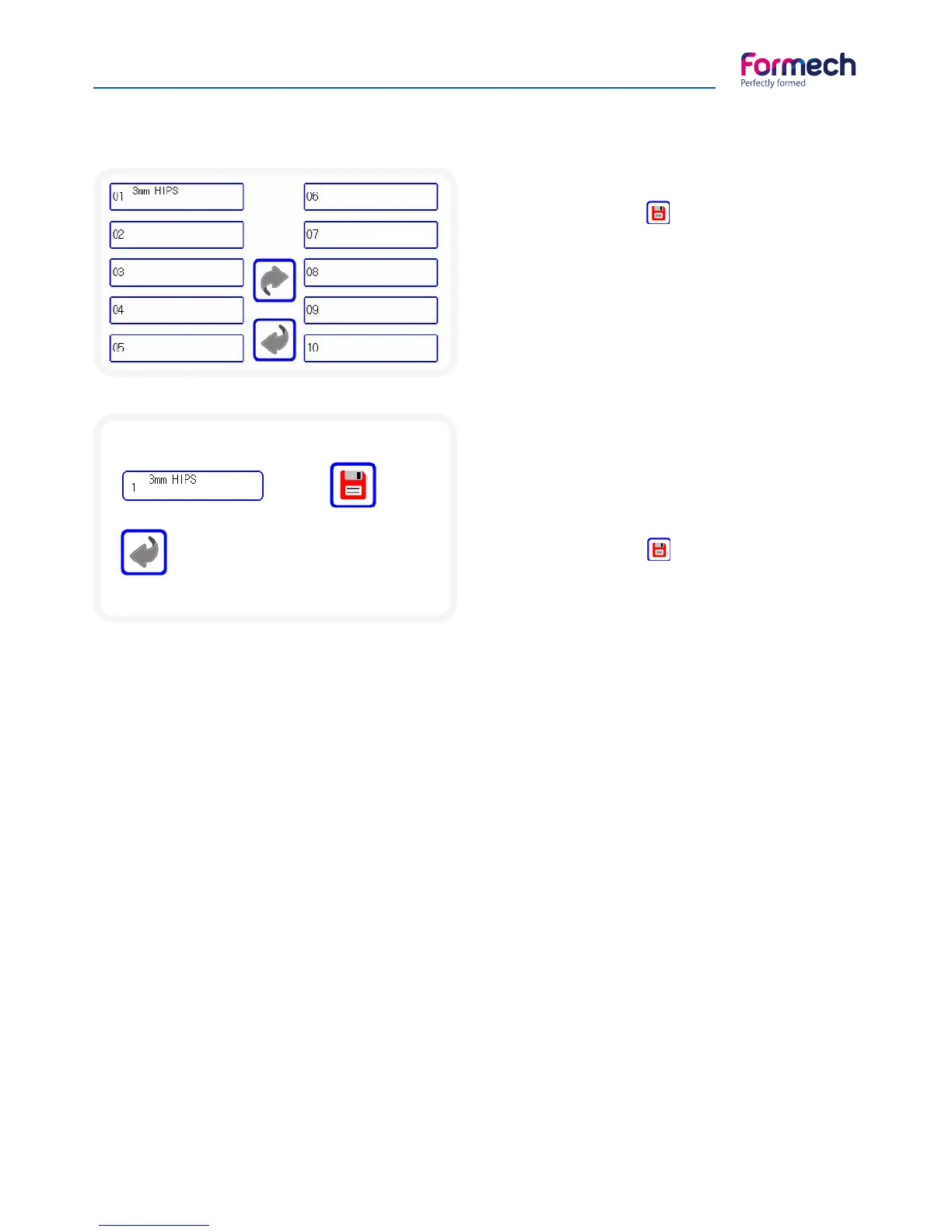
Save settings
Press the save button on the
settings screen when changes are
complete.
The memory slot may be reviewed
and changed – select the required
memory position.
The Following screen will open.
Final save editing
Press on the memory title to edit
the title if required. There are 2 text
fields.
Press the save button when
complete to return to the operation
screen.
Default heater settings
The default settings are as follows:
Zone 1 70%
Zone 2 70%
Zone 3 70%
Zone 4 70%
Zone 5 70%
Zone 6 70%
Standby 50%
To change the default heater settings
Contact Formech if this function is required.
Save settings



 To Next Page