22
Operation - Manual Functions
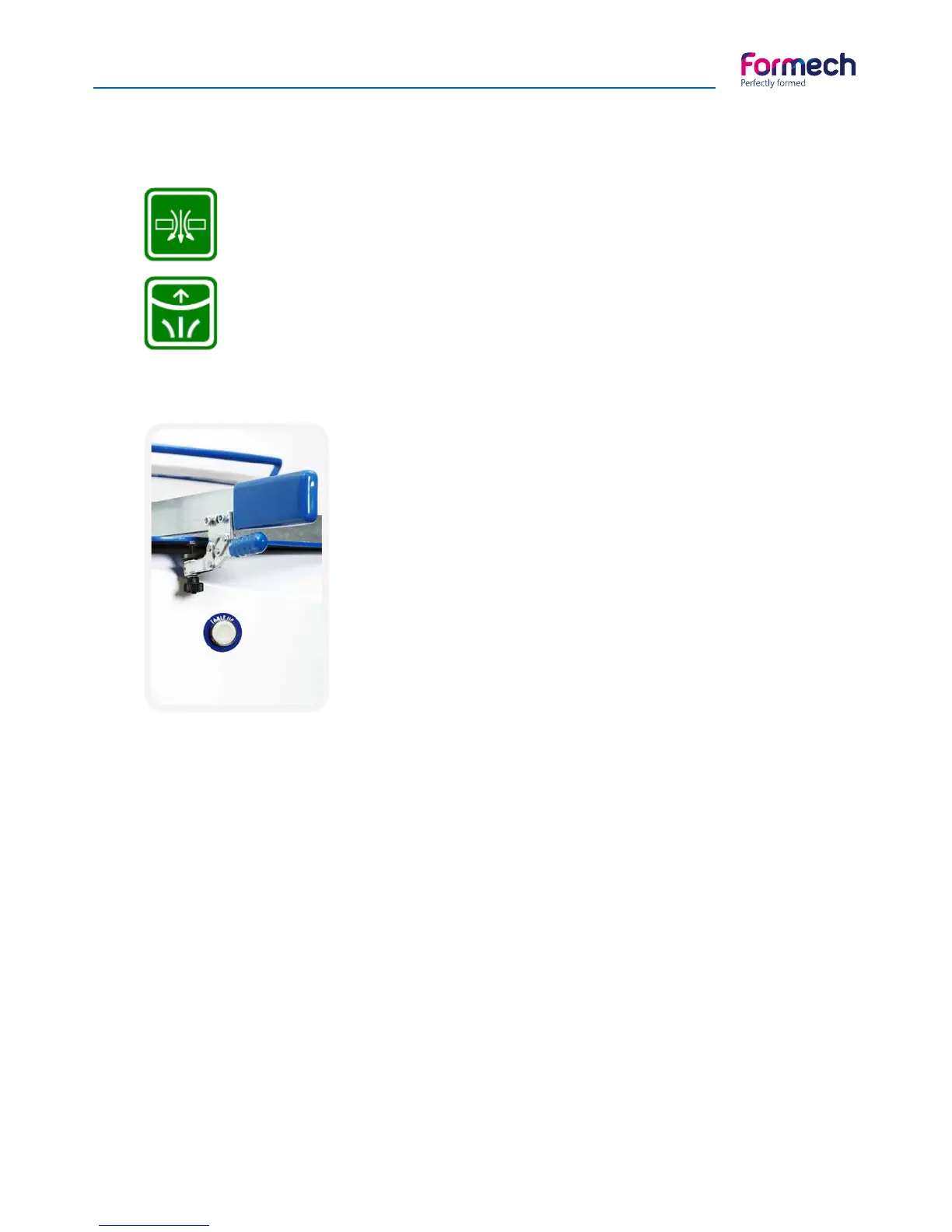
Note that when a feature is activated, the icon will go green, as shown below:
Vacuum activated
Auto-level activated
Mould table drive
The mould table drive function uses a 2 handed
control safety feature.
The buttons are mounted on the front panel.
To bring the table up, press both ‘Table UP’
buttons simultaneously.
Language options
Language options are selected by pressing open the flag icon located on the Main Menu screen. Press on this
flag to select the language required.
The help function
The 686PT incorporates a ‘HELP’ feature accessible by pressing the
? button on many of the user screens.
Descriptions of the screen icons and buttons are shown on these screens in the language selected. Use the
FORWARD button to scroll though these screens.



 To Next Page