24
MR-8 Owner’s Manual
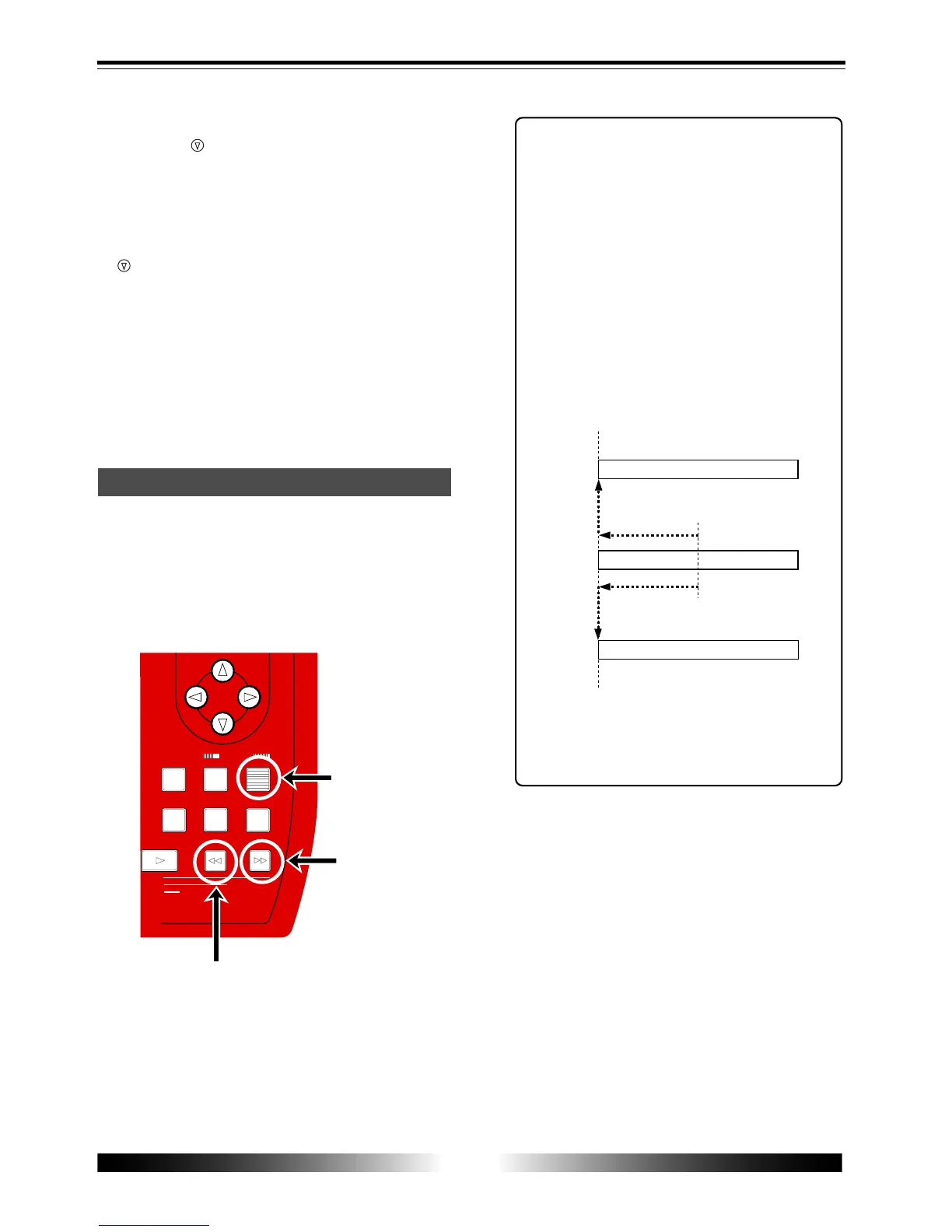
Selecting a desired song
[ENTER] key
[F FWD] key
[REWIND] key
ENTER
MENU
CURSOR
UNDO
/REDO
CONTRAST
0 RETURN
TIME BASE
SELECT
STORE
PLAY
REWIND F FWD
MASTERING
-1
+1
J K L 4
Y Z 9
V W X 8
S T U 7
NO YES
8) After completing song name entry, use the
[CUR SOR
] key to move the cursor to "ENTER"
at the bottom of the screen, then press the
[ENTER] key.
The screen now shows the song list in which
you see the new song added.
To cancel creating a song, use the [CURSOR
] key to move the cursor to "[CANCEL]"
(instead of "[ENTER]"), then press the [ENTER]
key.
9) Press the [MENU] key to quit the menu mode.
To create another song, follow the same proce-
dure above. You can also delete an unnecessary
song (see page 59).
If more than one song is created on a card, you
have to select a desired song first by following
the procedure below.
1) When the display shows the home screen and the
recorder is stopped, press the [REWIND] key (or
[F FWD] key) while holding down the [ENTER] key.
Pressing the [REWIND] key while holding down
the [ENTER] key selects the lower song number
of the current song number.
Pressing the [F FWD] key while holding down
the [ENTER] key selects the higher song number
of the current song number.
<Tip>
When the current recorder position is the
beginning of a song, pressing the [F FWD]
key (or [REWIND] key) while holding
down the [ENTER] key moves the posi-
tion to the beginning of the next or previ-
ous song.
When the current recorder position is the
middle of a song, pressing the [REWIND]
key while holding down the [ENTER] key
moves the position to the beginning of
the current song.
You can also select a song from the menu
mode (see page 57).
Song 02
Song 03
Song 01
Current position
Beginning the song



 To Next Page