88
MR-8 Owner’s Manual
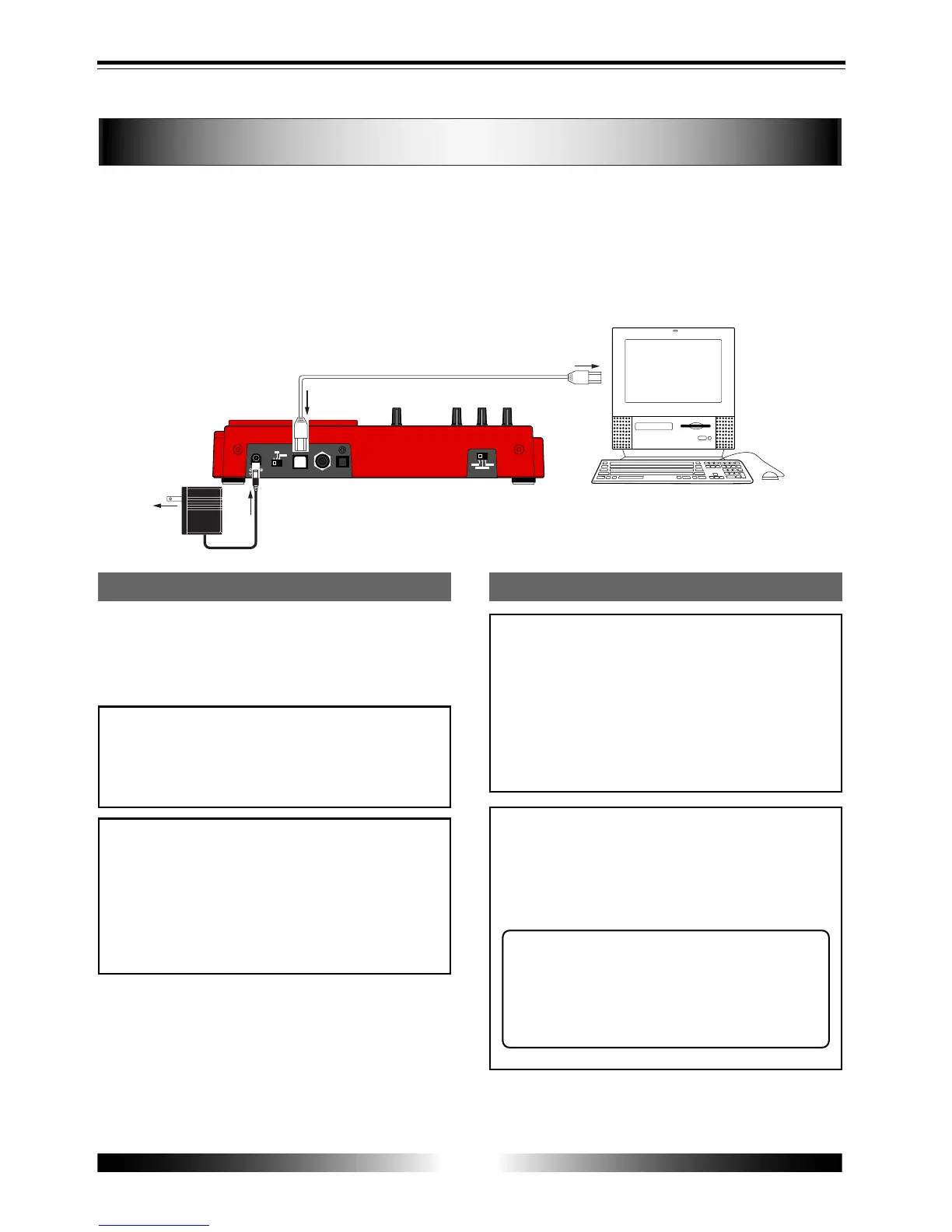
The MR-8 is equipped with the USB port for direct connection to a personal computer using
a USB cable. This allows you to export stereo WAV file data, which is converted from a pair
of mono WAV files for tracks 7/8, to your computer. The exported data can be played back
or edited using a computer's music software, or used as a source when burning an original
audio CD using a CD-RW drive. You can also export whole song data to a personal computer
for backup only when the remaining space of a CompactFlash card becomes small.
Connection to a personal computer
Connect the [USB] port of the MR-8 to the USB
port of a personal computer using a USB cable,
as shown above. (A USB cable is not supplied
with the MR-8.)
<Note>
When the MR-8 is connected to a computer,
we recommend to use the AC adaptor for
supplying the stable power to the MR-8.
DC IN
POWER
USB
FOOT SW
DIGITAL
OUT
INPUT A SELECT
GUITAR
INT MIC
MIC/LINE
LIGHT
12V
ON
OFF
You can export only a stereo WAV file which is
converted from a pair of mono WAV files for
tracks 7/8, as described earlier in "WAV file
conversion".
A mono WAV file or undo file cannot be ex-
ported to a personal computer.
See the next page for details about the export-
able files.
Windows Me/2000/XP
machine with the USB
port(s)
USB cable
<Note>
Only Windows Me, 2000 or XP computers
with the USB port(s) can be used with the
MR-8. Other computers (such as Macintosh
machines) cannot be used.
Check your computer before making connec-
tion.
Notes on exporting a file
<Note on backup>
When exporting whole data of a song on a
card to a personal computer for backup only,
always export the whole song folder, instead
of individual track data.
<Tip>
By using a card reader for CompactFlash
cards on the market, you can back up MR-
8 song data to a personal computer which
does not provides the USB port.
Exporting data to a personal computer



 To Next Page