54
MR-8 Owner’s Manual
the current position
LOCATE B
point
LOCATE A
point
Locate
Locate
• Locating
You can instantly locate to the stored point by
carrying out the operation below.
* While the recorder is stopped, press the [LOCATE
A/IN] (or [LOCATE B/OUT]) key.
The recorder instantly locate to the appropriate
point.
<Tip>
By selecting the play mode to "Auto play",
you can automatically start playback after
locating the LOCATE A or LOCATE B point.
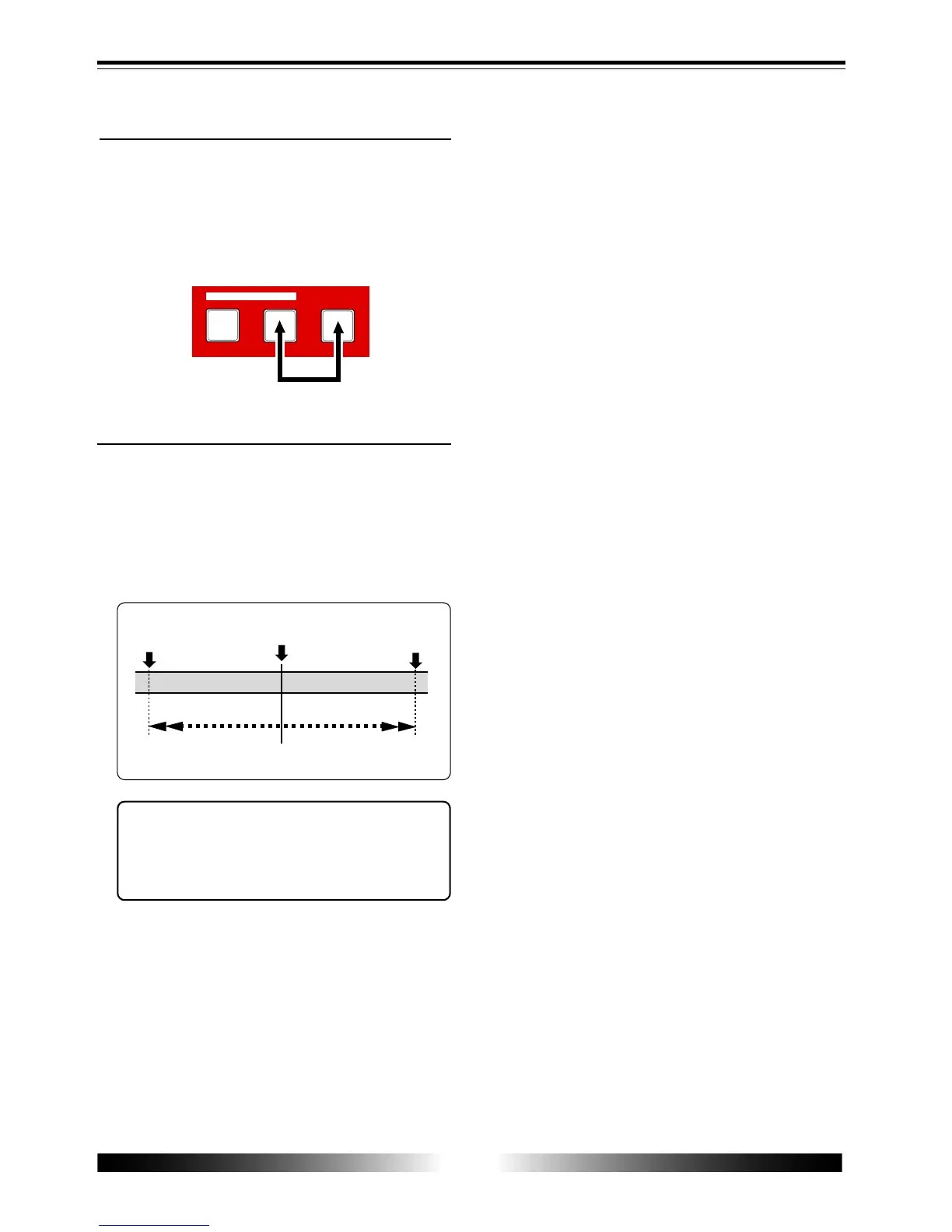
* To store the LOCATE B point, while the recorder is
playing back (or stopped), press the [LOCATE B/
OUT] key while holding down the [STORE] key.
The time value of the recorder position at which
you operate above is stored to the LOCATE B point,
while “Store LOCATE B” is shown on the display.
STORE
B / OUT
A / IN
LOCATE
D E F 2
G H I 3
J K L 4
• Storing a LOCATE B point



 To Next Page