76
MR-8 Owner’s Manual
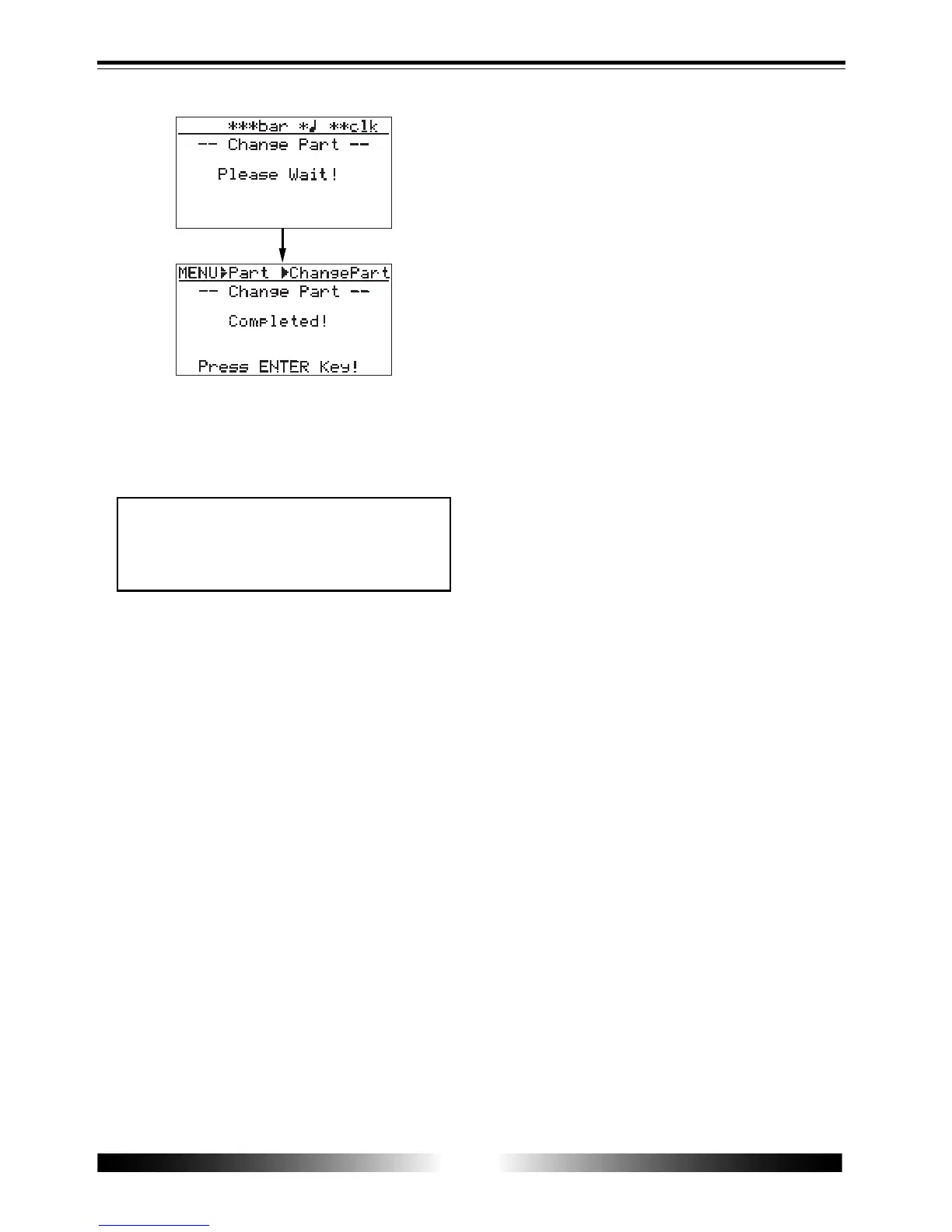
10) Press the [ENTER] key.
The display returns show to the screen in which
"Change Part" is highlighted.
11) Press the [MENU] key to exit the menu mode.
<Note>
If you are not satisfied with the result, press
the [UNDO/REDO] key to undo the opera-
tion (see page 68).



 To Next Page