25
MR16 Owner’s Manual (Names and functions)
6. [USB] port (USB B type)
Used to connect with a personal computer
using a standard USB cable for song file data
transfer between the MR16 and the personal
computer (see page 107).
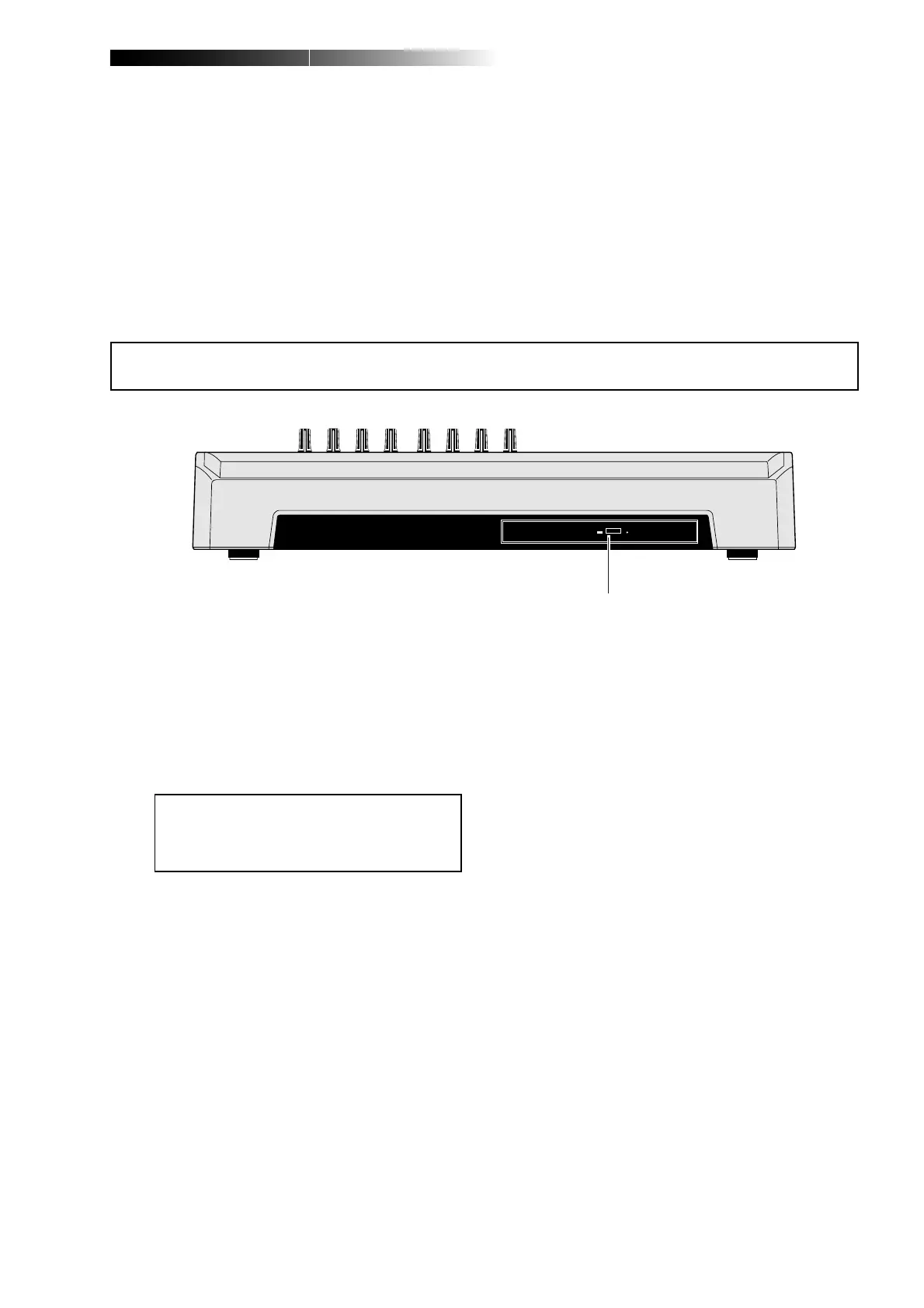
Front panel (CD-R/RW drive built-in model only)
<Caution>:
Although you can see the DVD-
ROM logo on the front of the CD-R/RW drive
tray, it does not support DVD ROM discs.
Only CD-R/RW discs can be used.
1. Internal CD-R/RW drive
Used to create an original audio CD by burn-
ing converted stereo WAV files to a CD-R/
RW disc, or used to record a single mono
WAV file converted from track data on the
HDD to a CD-R/RW disc (see the supplemen-
tary manual "How to use the CD-R/RW drive"
for details).
1
7. [AC IN] connector
Connect the supplied power cord to this con-
nector (see page 30).



 To Next Page