54
MR16 Owner’s Manual (Advanced playback and locate functions)
Locating
While the recorder is stopped, press the [LOCATE A/IN] (or [LOCATE B/OUT]) key.
The recorder instantly locates to the appropriate point.
<Tip>: By selecting the play mode to "Auto play", the recorder automatically starts
playback after locating the LOCATE A or LOCATE B point.
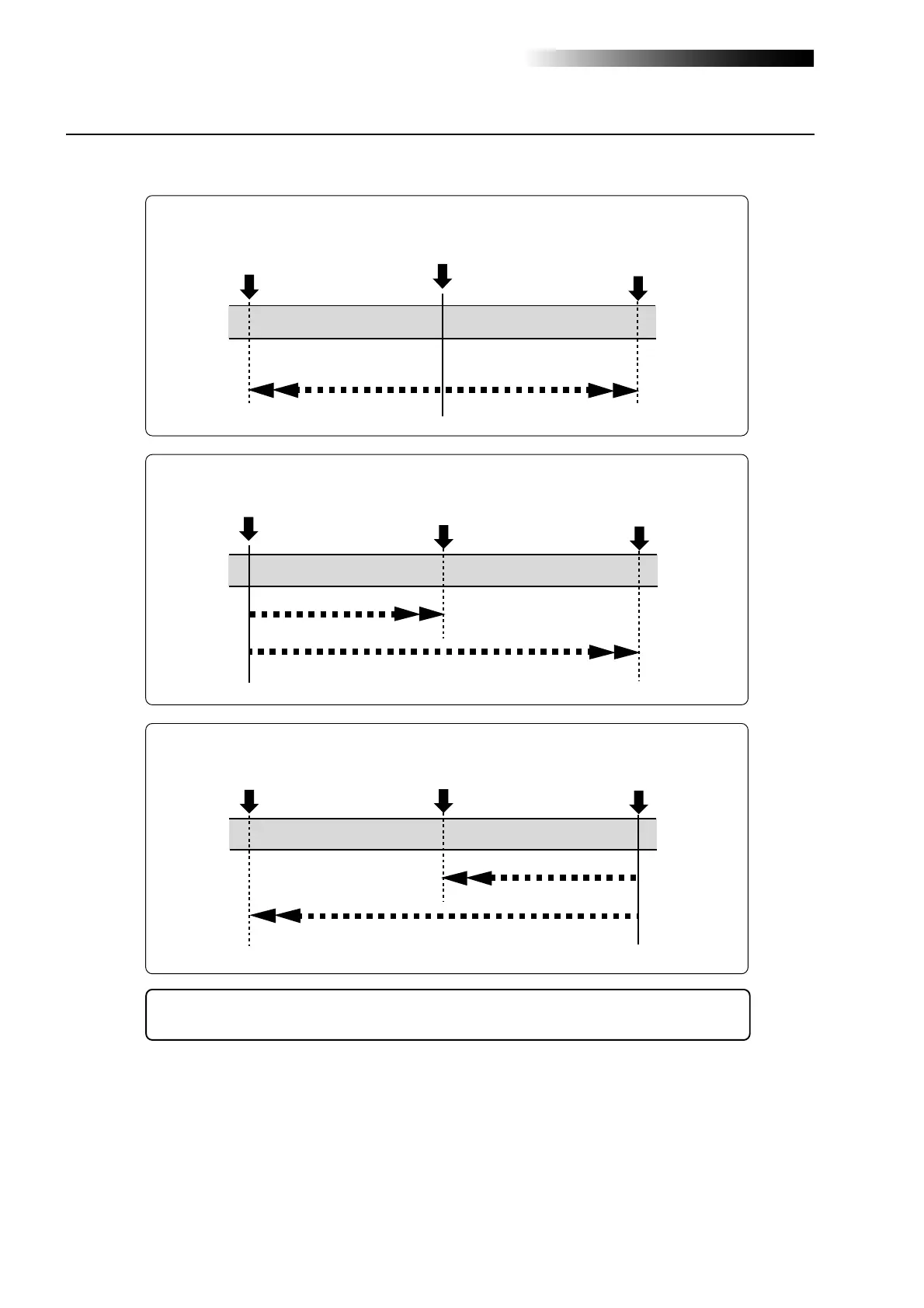
The current position
LOCATE B point
LOCATE A point
Locate
Locate
The current position
LOCATE B point
LOCATE A point
Locate
Locate
The current position
LOCATE B point
LOCATE A point
Locate
Locate
• When the current recorder position is between the LOCATE A and LOCATE B points:
• When the current recorder position is before the LOCATE A and LOCATE B points:
• When the current recorder position is after the LOCATE A and LOCATE B points:



 To Next Page