Optimail Operator Manual
10
3 Switching Optimail on/off
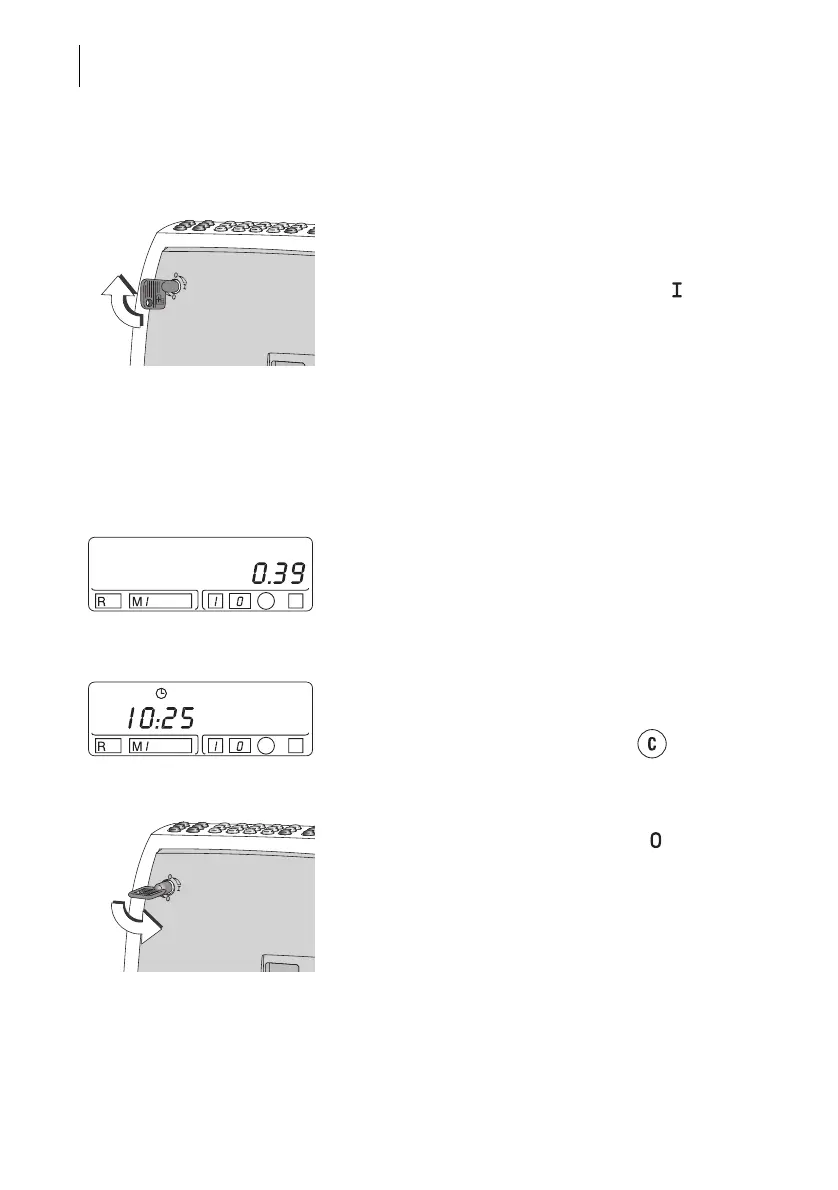
Switching on
• Insert the key in the keylock on the back of the
Optimail.
• Turn the key to the horizontal position ( = ON).
Self-test
The display shows a dash running from the right to
the left side. This is concluded with two beeps. Now
all segments of the display will briefly illuminate,
followed by another beep. The current date is then
displayed.
Ready for metering
After about 18 seconds, the self-test is completed.
The Optimail will beep again and the last set postage
value appears. The Optimail is ready for metering.
Sleep mode
If the Optimail is not used for about one minute, i.e.
no imprints are made or no key is pressed, the
postage meter switches over to the time display.
Reactivate the Optimail with the key .
Switching off
• Turn the key to the vertical position ( = OFF).
• Remove the key. Your Optimail is now safe from
unauthorized use.



 To Next Page