Optimail Operator Manual
16
The Optimail returns to the postage value display.
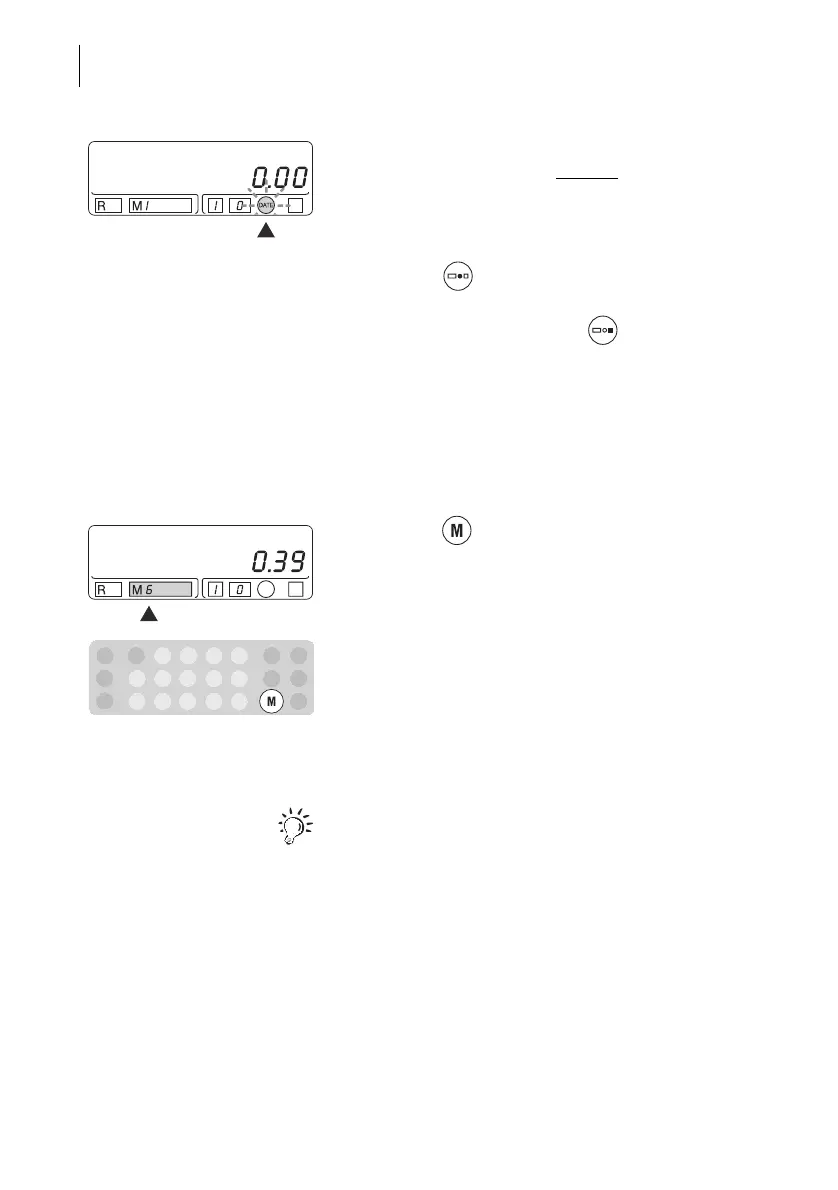
Short signal tones and the flashing
“DATE” indicate
that the meter imprint contains no date.
Printing the date again
• Press the key. The Optimail shows the set
date.
• End the date display with the key. The display
shows the postage value again.
4.5 Changing the account
The Optimail can record and evaluate meterings
separately according to accounts (M1 to M9).
• Press the key repeatedly until your account
number appears at the bottom of the display in the
‘M’ field.
All subsequent meterings are recorded for this
account. The account remains set until you select a
new account.
In Chapter 5 you will find detailed information about
the account function.



 To Next Page