Optimail Operator Manual
30
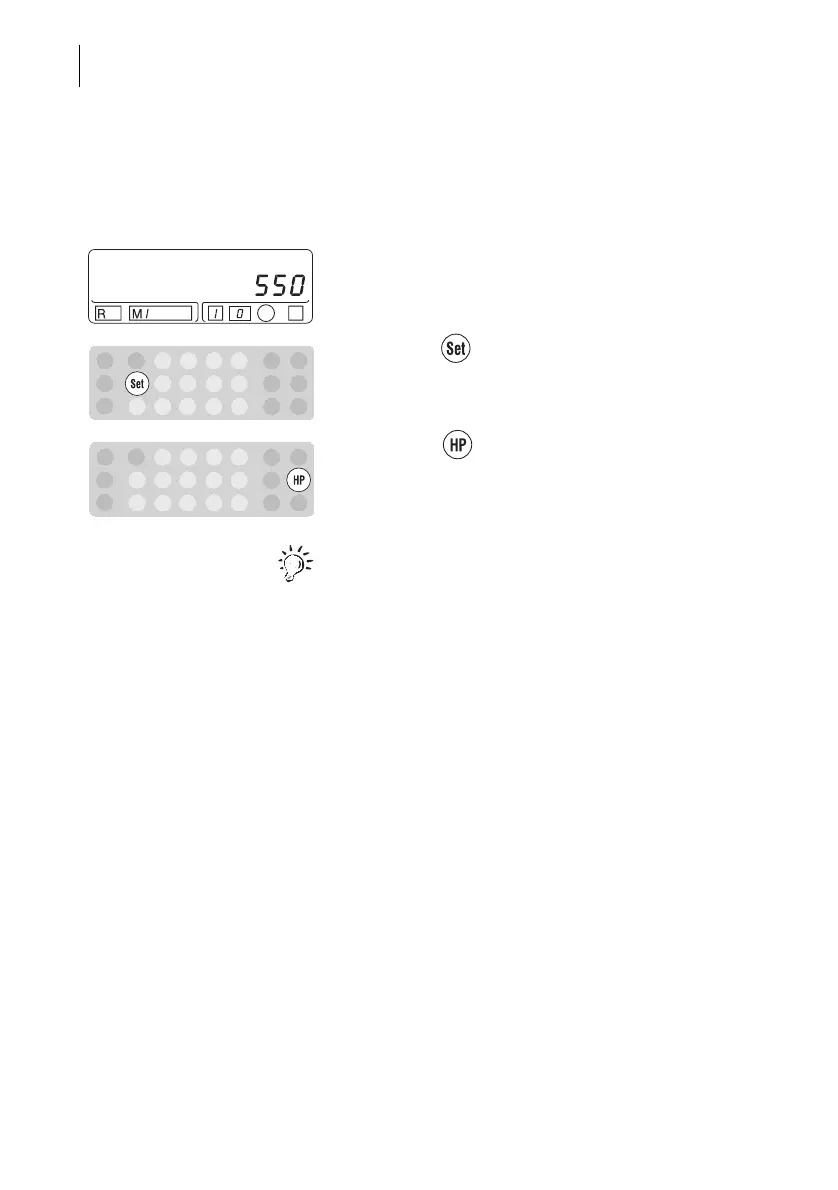
8.3 Setting a high postage value
The ‘High Postage’ function indicates when the
postage value exceeds the set limit.
• Type the desired high postage value (in the
example: 550 for a limit of $ 5.50).
• Press the key. The value disappears from the
display.
• Press the key.
The new limit is stored. The postage value display
reappears.
You can verify the high postage value set by
checking register 5. Read Chapter 6 on page 22.



 To Next Page