Error messages and tips for helping yourself
41
12 Error messages and tips for helping yourself
Caution! Do not remove any parts of the housing.
Only have maintenance and repair work done by
qualified personnel authorized by Francotyp-
Postalia. Failure to do so will result in voiding of your
warranty and loss of your postal licence. You will be
liable for any damages.
You can eliminate minor faults and problems with
the Optimail yourself. In this chapter you will find
help and tips for eliminating and avoiding faults.
12.1 Error messages – device faults
The self-diagnosis system of the Optimail gives you
information about the respective operating state.
Acoustic signal
An acoustic signal is issued in the case of operating
errors. The Optimail does not accept the input/
action.
Error messages in the display
The Optimail signals errors and warning with the
corresponding error messages in the display. You
will find an overview of the error messages and what
to do in the event of a fault in the following list.
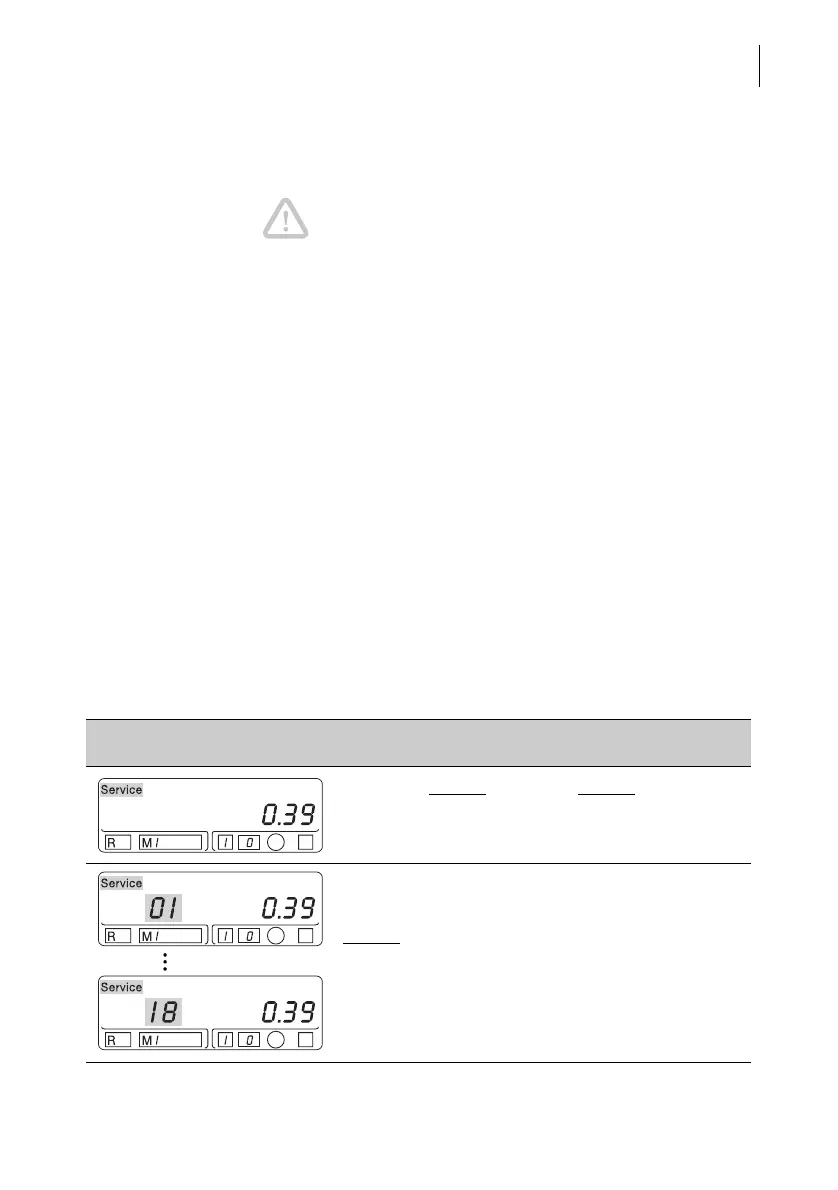
Error message Possible cause and remedy
“Service” without
error code/without other
symbols: Next service is due.
“Service” + two-digit error code
For the error codes 01 to 18:
Always
call Service!



 To Next Page