Appendix - Instructions for installation
51
Instructions for installation
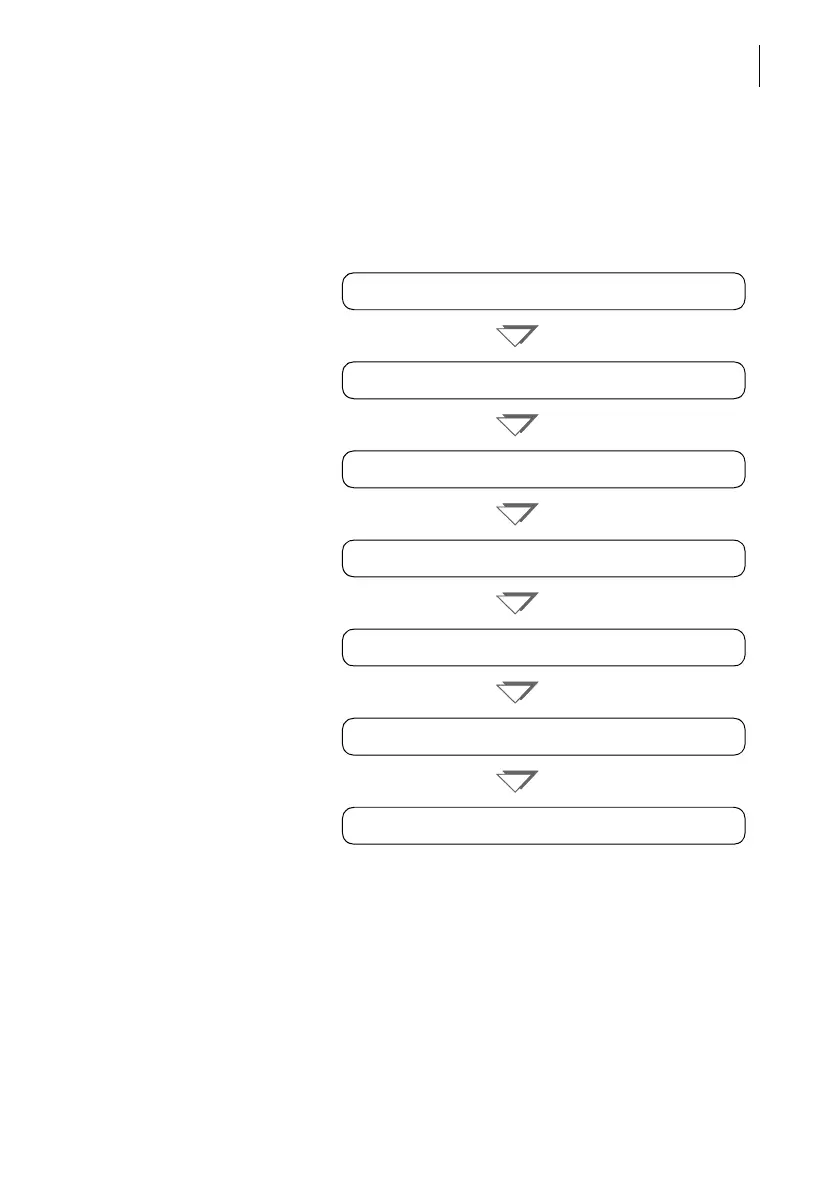
The following overview lists the operating steps for
installing the Optimail.
Overview
The individual operating steps are described in detail
on the following pages.
Step 1: Unpacking
Step 2: Checking the contents of the package
Step 3: Installing Optimail
Step 4: Inserting the ribbon cassette
Step 5: Connecting the Optimail
Step 7: Loading postage
Step 6: Switching on
Appendix



 To Next Page