Basic settings
29
8.2 Setting the time
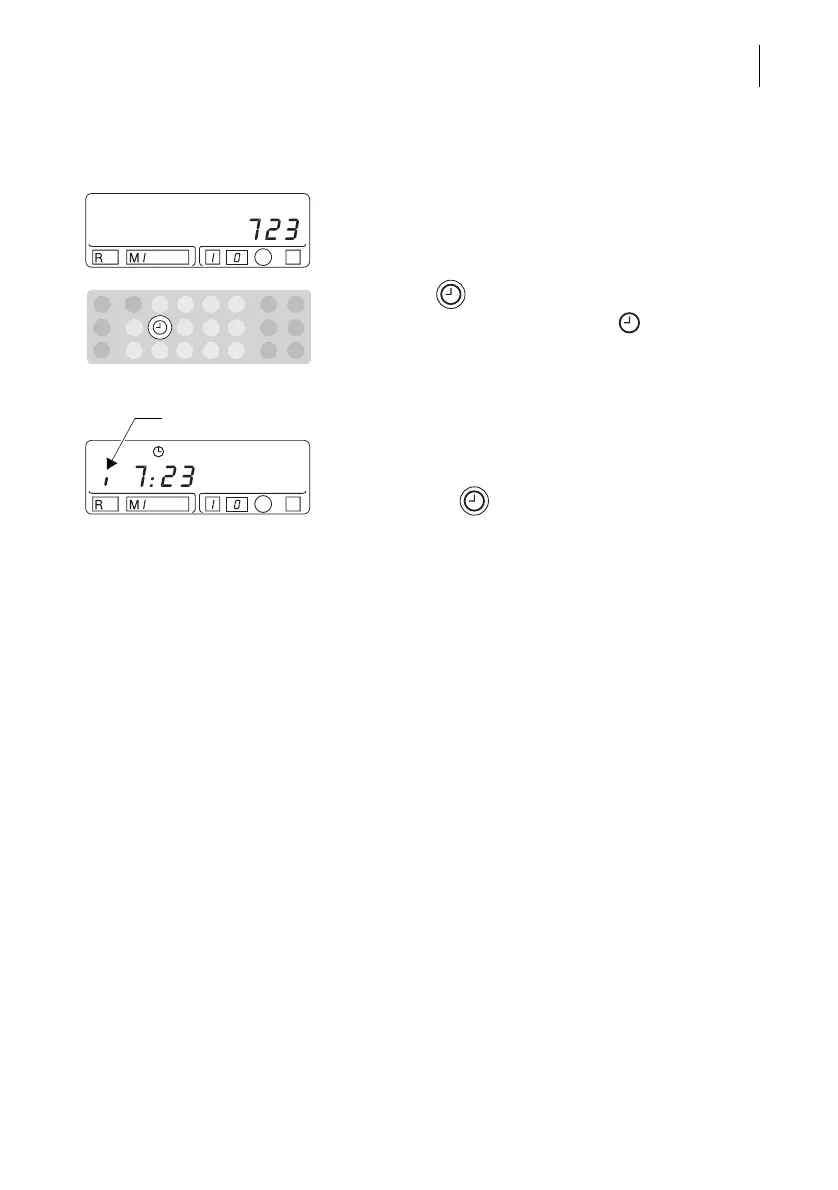
• Enter the new time.
Example: 723 for the time 7:23.
• Keep the key pressed.
The new time and the clock symbol appear in the
display. The display changes between ‘a.m.’ and
‘p.m.’:
– A small vertical bar that appears to the left of the
displayed time indicates ‘p.m.’
– When the bar is not present the displayed time is
‘a.m.’.
• Release the key when the display shows the
desired time setting ‘a.m.’ or ‘p.m.’.
The time is now set. The postage value reappears in
the display after about 2 seconds.
The Optimail will not accept incorrect time inputs.
The time last set is retained.



 To Next Page