Metering
13
4.2 Setting the advertisement
Francotyp-Postalia can equip the Optimail with up to
9 different advertisements according to the
customer’s wishes.
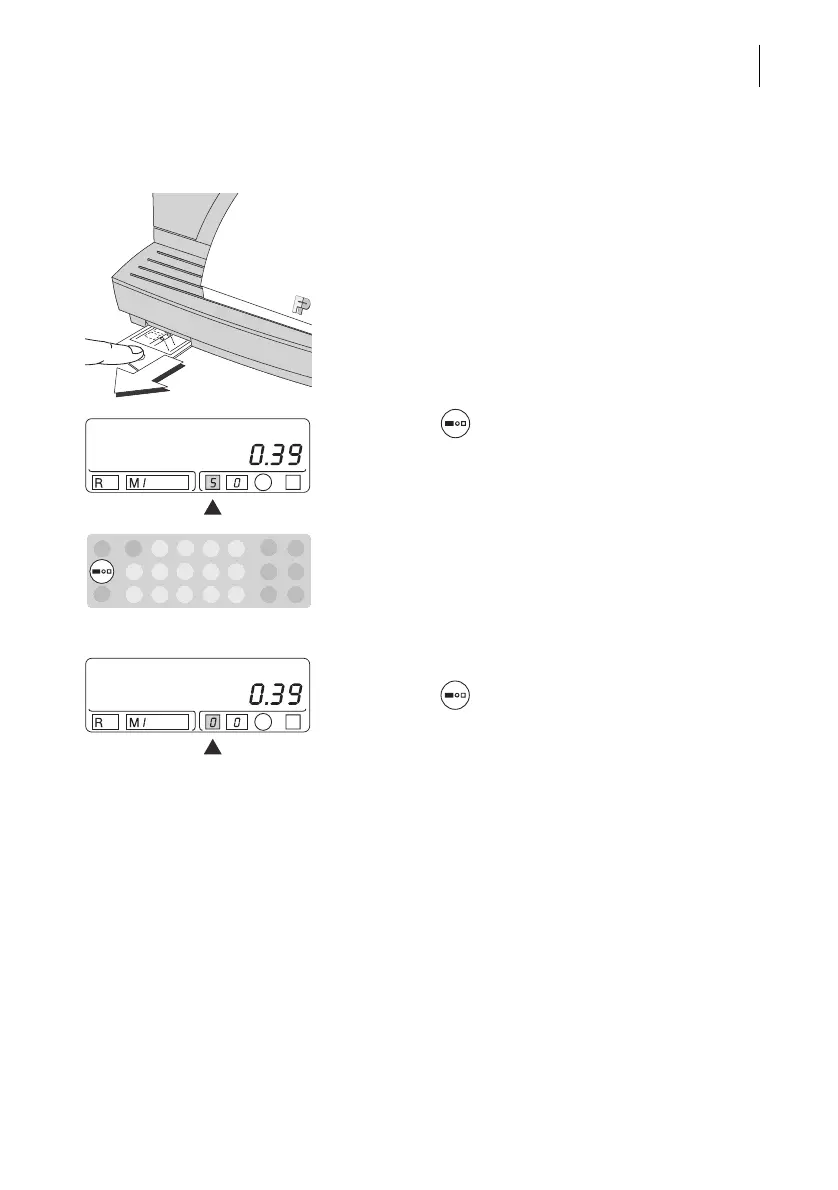
The available advertisements and the assigned
numbers can be found as operating hints on the
Optimail (can be pulled out at the front left).
• Select the image you want to use and find the
number next to it.
• Press the key repeatedly until the desired
number appears in the appropriate field of the
stamp image symbol.
Metering without advertisement
• Press the key repeatedly until “0” appears in
the appropriate field of the stamp image symbol.



 To Next Page