Optimail Operator Manual
12
4.1 Setting the postage value
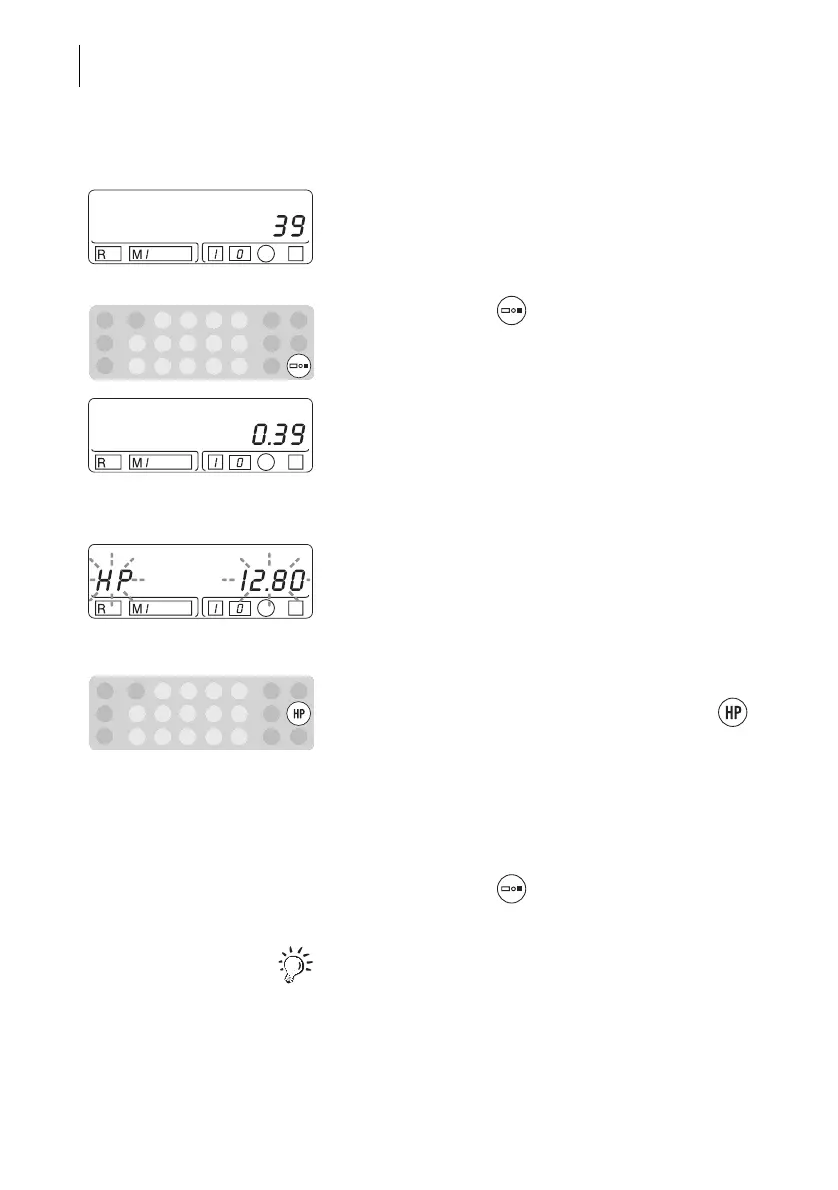
• Type the desired postage value with the numeric
keys.
You can check the entered number sequence in the
display.
• Confirm with the key.
The display shows the set postage value with
decimal point.
Message ‘High postage value’
If an acoustic signal sounds and HP and the postage
value flash in the display after confirming the
postage value, the ‘High postage value’ is exceeded.
In this way the Optimail helps you to prevent
overmetering and loss of postage.
If you want to meter with the set postage value …
• Confirm the displayed postage value with the
key again.
If you have accidentally set too high a postage
value …
• Type a new postage value.
• Confirm with the key.
Read Chapter 8.3 to find out how to change the limit
for the ‘High postage value’ message.



 To Next Page