Optimail Operator Manual
42
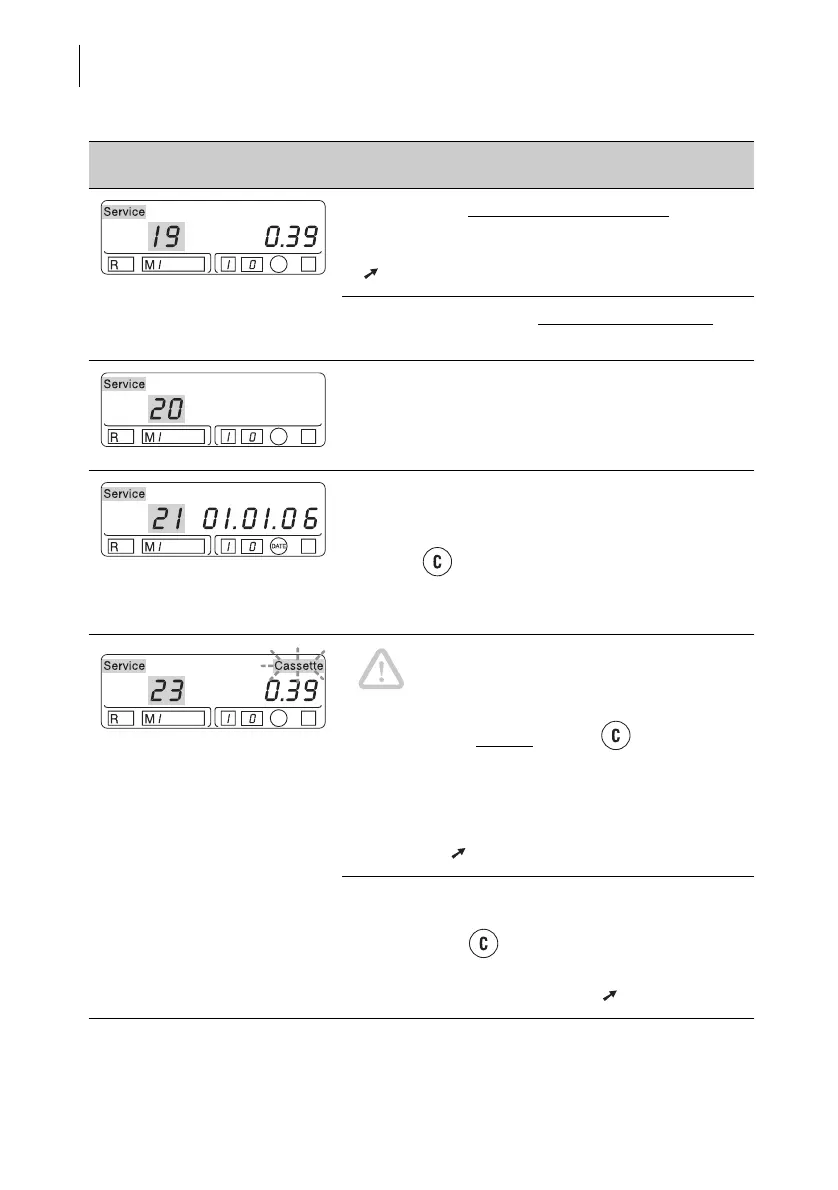
Error code 19 appears for a limited time: Values
are stored incorrectly in the account memories.
Delete all the account information or call Service
( Chapter 5.3).
Error code 19 appears and Optimail is locked
:
Call Service!
Switch off the Optimail, wait briefly and switch
back on.
If the fault is not eliminated after switching on and
off several times, call Service.
If error code 21 appears when switching on:
A letter was already inserted when switching on.
Remove the letter. Confirm the error messages
with the key.
If the error cannot be eliminated like this, call
Service.
Caution! Jam! Do not remove the jammed
letter by force. The ribbon could tear.
Always clear a mail jam like this:
Press any key (except
the key !) or switch off.
The Optimail releases the letter. Remove the
letter.
Then check the ribbon cassette. Remove the
ribbon cassette and tighten the ribbon if
necessary ( Chapter 11.2).
If there is no mail jam, the ribbon cassette is
empty.
Press the key – the Optimail terminates
printing and ejects the metered letter.
Changing the ribbon cassette ( Chapter 11.2).
Error message Possible cause and remedy



 To Next Page