2
Please read this operator manual before using the
Optimail postage meter.
Please keep the manual near the Optimail at all
times for reference.
Quick Reference Guide
The quick reference gives you an overview of the
most frequently used functions.
The following keywords and symbols identify the
safety tips in this operator manual.
Warning! indicates a potential hazard which may
result in injury.
Caution! indicates a potential hazard that may result
in damage to the Optimail or impair the metering
process.
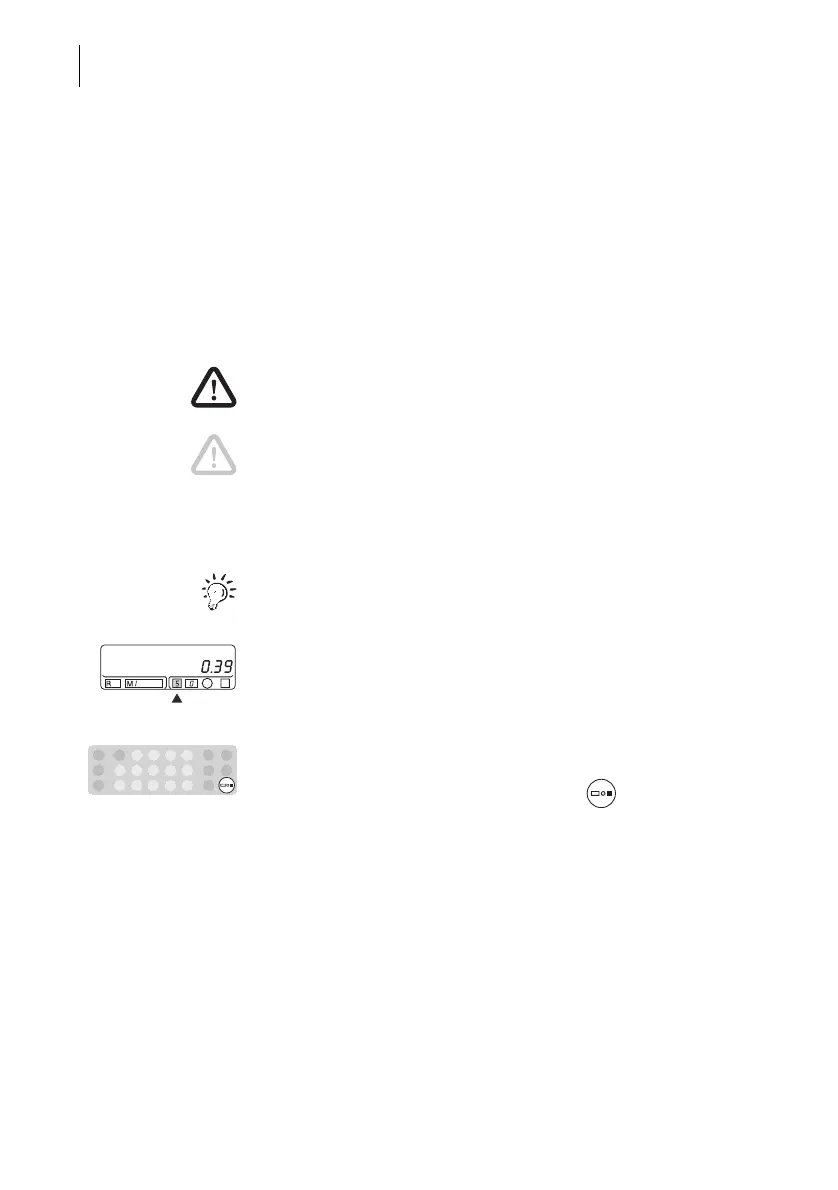
The following symbols and graphic representations
are used in this operator manual:
A tip offers advice or additional suggestions for
improving the operation.
Displays show the inputs and current settings. Fields
which refer to the text have a dark background. An
arrow points out a field to which you should pay
special attention.
The keys to be pressed are highlighted in the key
field symbol.
In the example: Press the Postage value key.
About this Operator Manual



 To Next Page