Displaying and printing register values
23
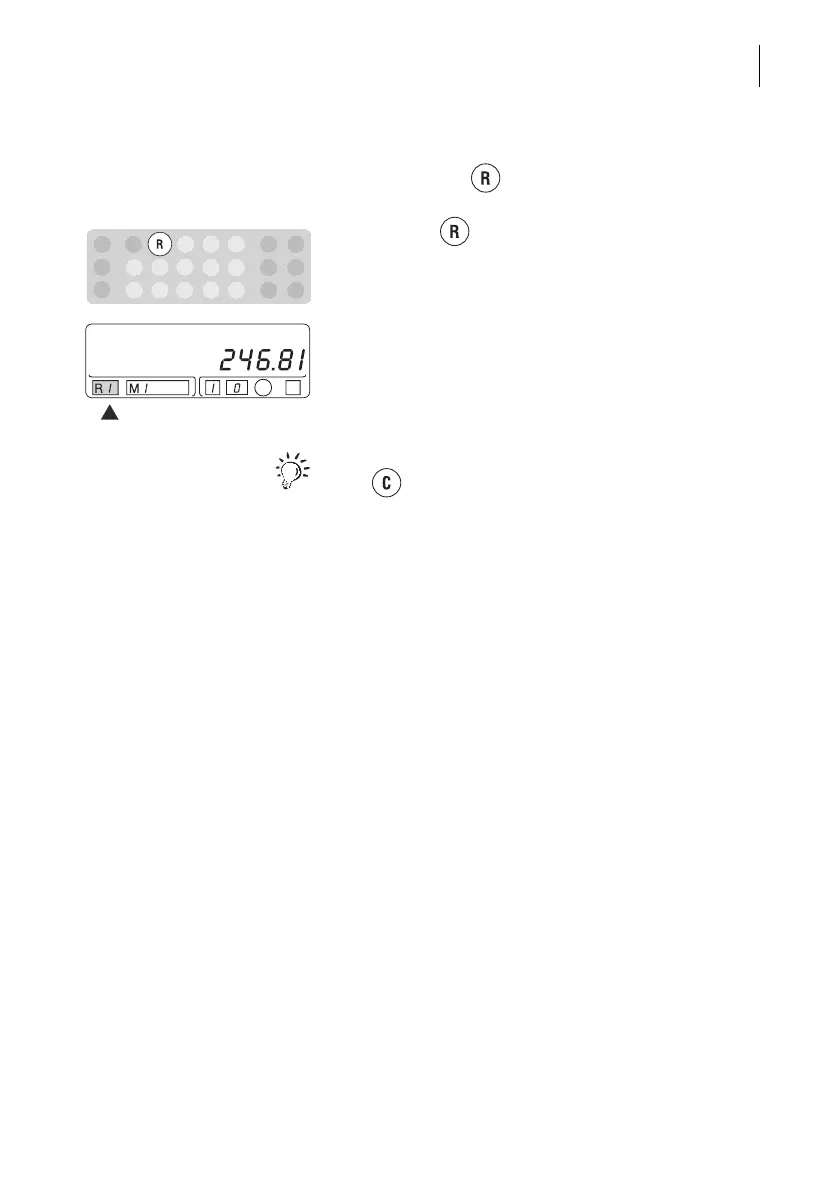
Show register values
By pressing the key, you can scroll through all
of the registers.
• Press the key repeatedly until the register
number you want to display appears in the ‘R’
field.
The appropriate register value appears in the
display.
You return to the postage value display function with
the key.
Printing register values
The register values and account information are
summarized in the account report.
Read Chapter 5.2 to find out how to print the account
report.



 To Next Page