EasyManua.ls Logo

FP Mailing Solutions Optimail - Page 4

Default Icon
70 pages
Print Icon
To Next Page IconTo Next Page
To Previous Page IconTo Previous Page
Loading...
4
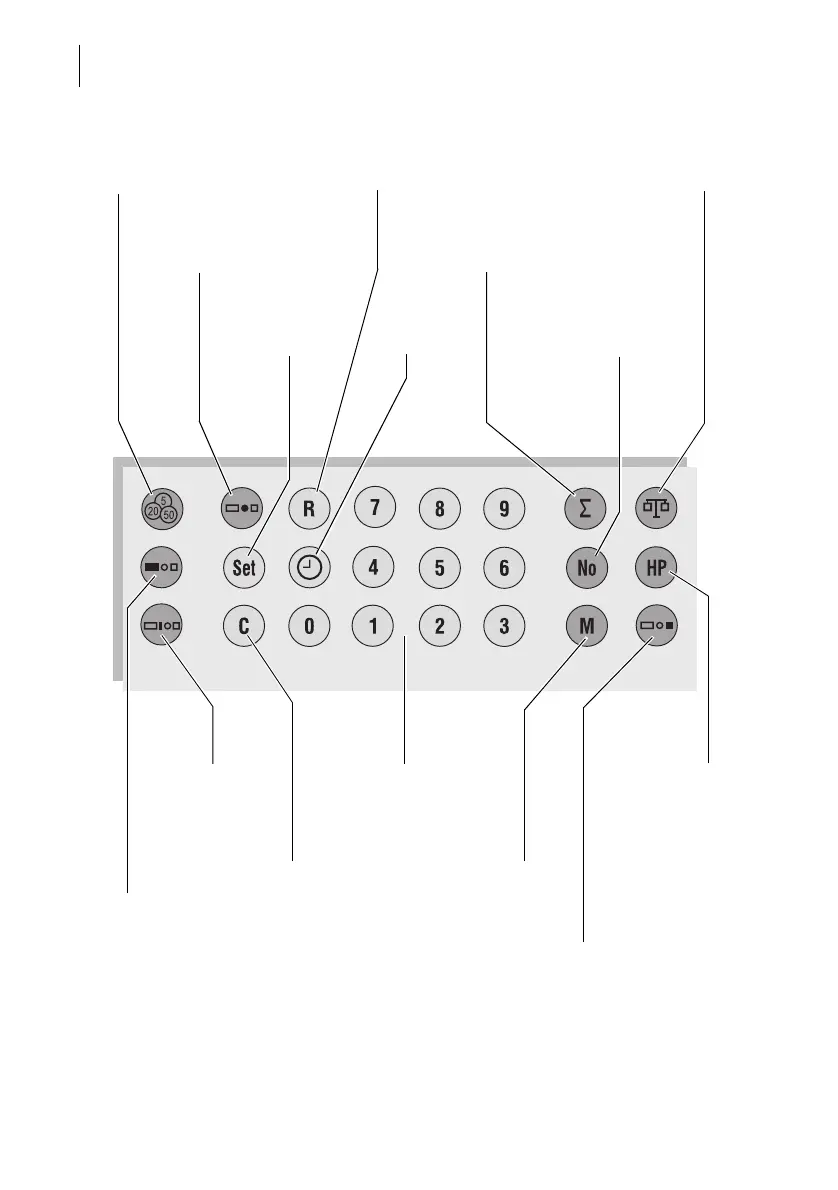
Optimail – Keyboard
Set endorsement
4)
Display postage used
by an account
TELESET
Display/set print offset
1)
Set
–Advertisement
Incoming mail stamp
2)
Display/set date
Numeric keys:
Enter numerical values
Change account
Display
register
Display/set
time
Display number of meter
imprints of an account
Program basic
settings
Connect/disconnect
postage scale
Delete, abort input
High postage value
Confirm for metering
–Set limit value
Back to metering
3)
Set postage value
Legend
1) in incoming mail stamp mode only
2) optional, only if special incoming mail stamps are ordered
3) close ‘incoming mail stamp mode’ or ‘account/register report print mode’
4) only available if the Optimail displays the postage in tenths of a cent (‘0.000’)

Related product manuals