2 File Management
2.2 Backup configuration to a TFTP Server
2.3 Save configuration
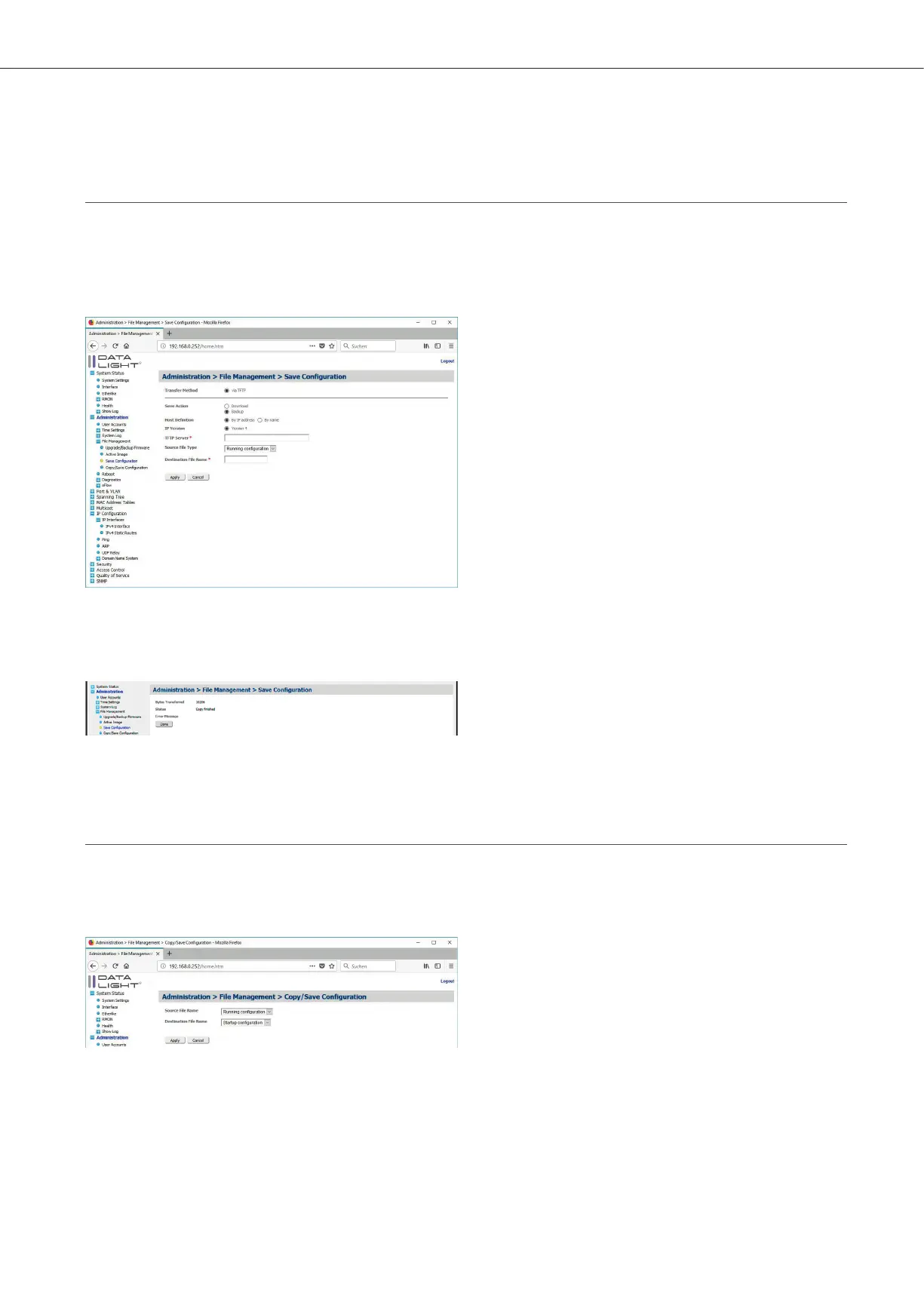
In the menu Administration > File Management > Save Configuration it is possible to backup the configurations form
the switch to a TFTP Server. Choose Backup, enter the address of the TFTP Server. Choose the File, which should be copied
to the TFTP Server and define a name for the file on the TFTP Server.
Figure 16: Download / Backup page
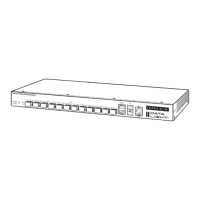
With “Apply” the copy process starts. After a few seconds the switch will confirm the successful copy process.
Figure 17: Upload confirmation
To save configuration navigate to Administration > File Management > Copy/Save Configuration.
The Running configuration should be set as source file and the startup configuration should be set as destination file.
Figure 18: Copy / Save Configuration page
DATALIGHT Switch 12+4-Port 1000
11



 To Next Page