9 Port Mirroring
There is the possibility to look for the network trac from one or more ports on another port. For Port Mirroring two steps must
be done:
1) Define the destination port and a session number
2) Define the source port(s)
If source port(s) and destination port have the same Session number, the trac from the source ports gets
mirrored to the destination port.
9.1 Destination Interface and Session number
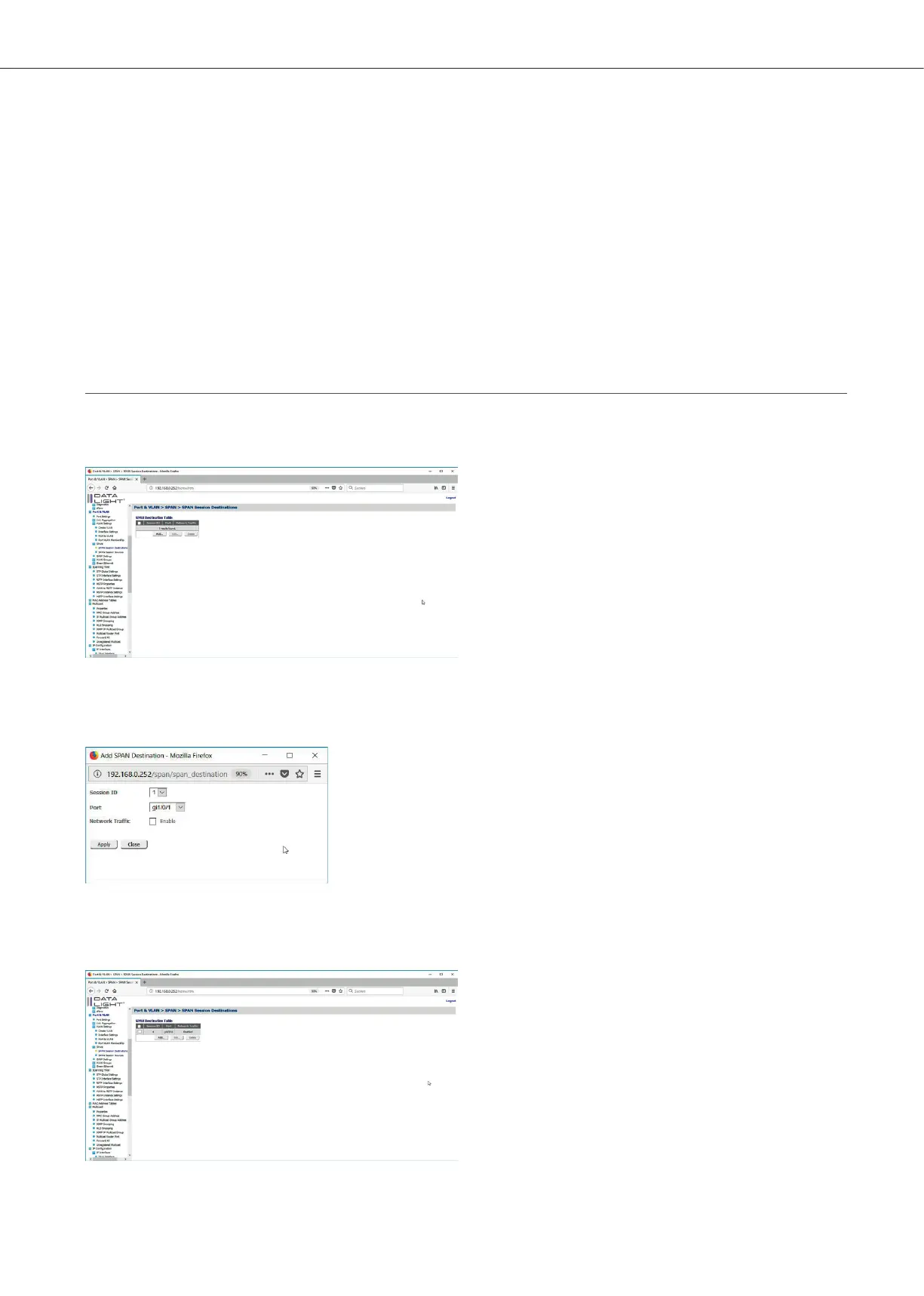
The configuration can be made in the menu Port & VAN > SPAN > SPAN Session Destination.
Figure 69: Port Mirroring Destination page
Click “Add” to add a new Session with a destination port. The regular Network trac can be disabled,
so that only the trac of the source port can be seen on the destination port.
Figure 70: Port Mirroring Destination Popup
Choose Session ID and the Destination Port. After a click on “Apply” the configuration can be
seen in the SPAN Destination Table.
Figure 71: Port Mirroring Destination Page with test configuration
After configureing an SPAN Destination the SPAN Source can be configured.
DATALIGHT Switch 12+4-Port 1000
33



 To Next Page