7 Quality of Service - Bandwidth Configuration
Often it is necessary to set a limit for ingress or egress information rate.
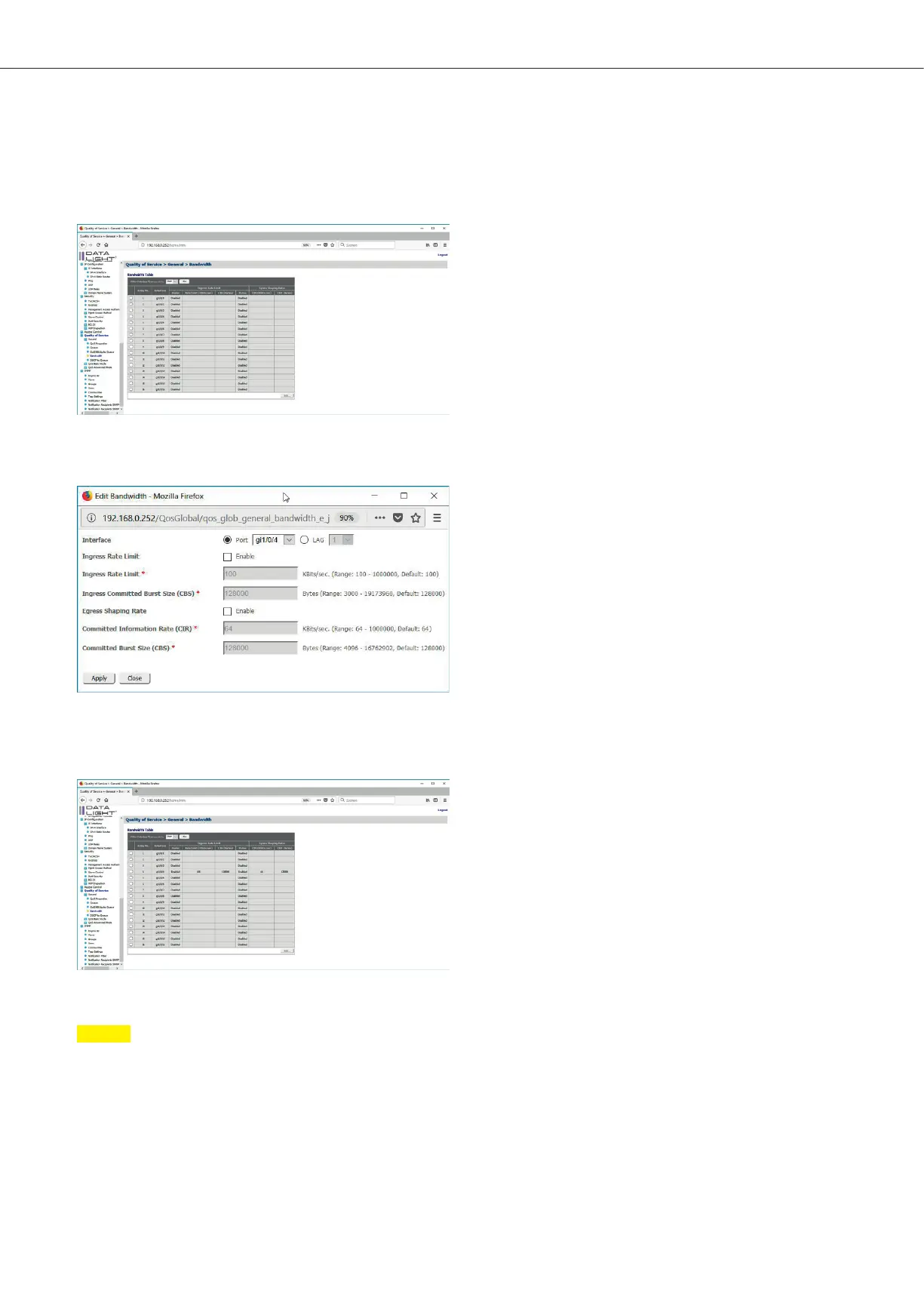
This configuration can be done in the menu Quality of Service > General > Bandwidth.
Figure 54 QoS Bandwidth configuration page
In this menu the interface, which should be configured, can be checked and then click on “Edit”.
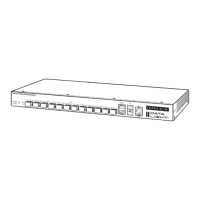
Figure 55: QoS Bandwidth Configuration Popup
Here it is possible to define the max Ingress or Egress Rate and it is also possible to limit bursts.
With a click to “Apply” the configuration can be seen in the Bandwidth table.
Figure 56: QoS Bandwidth configuration page with test configuration on interface 4
Note
If all bandwidth configurations were done, don’t forget to save all done configuration permanent on the switch.
The save process is described in the section file management.
DATALIGHT Switch 12+4-Port 1000
28



 To Next Page