2 File Management
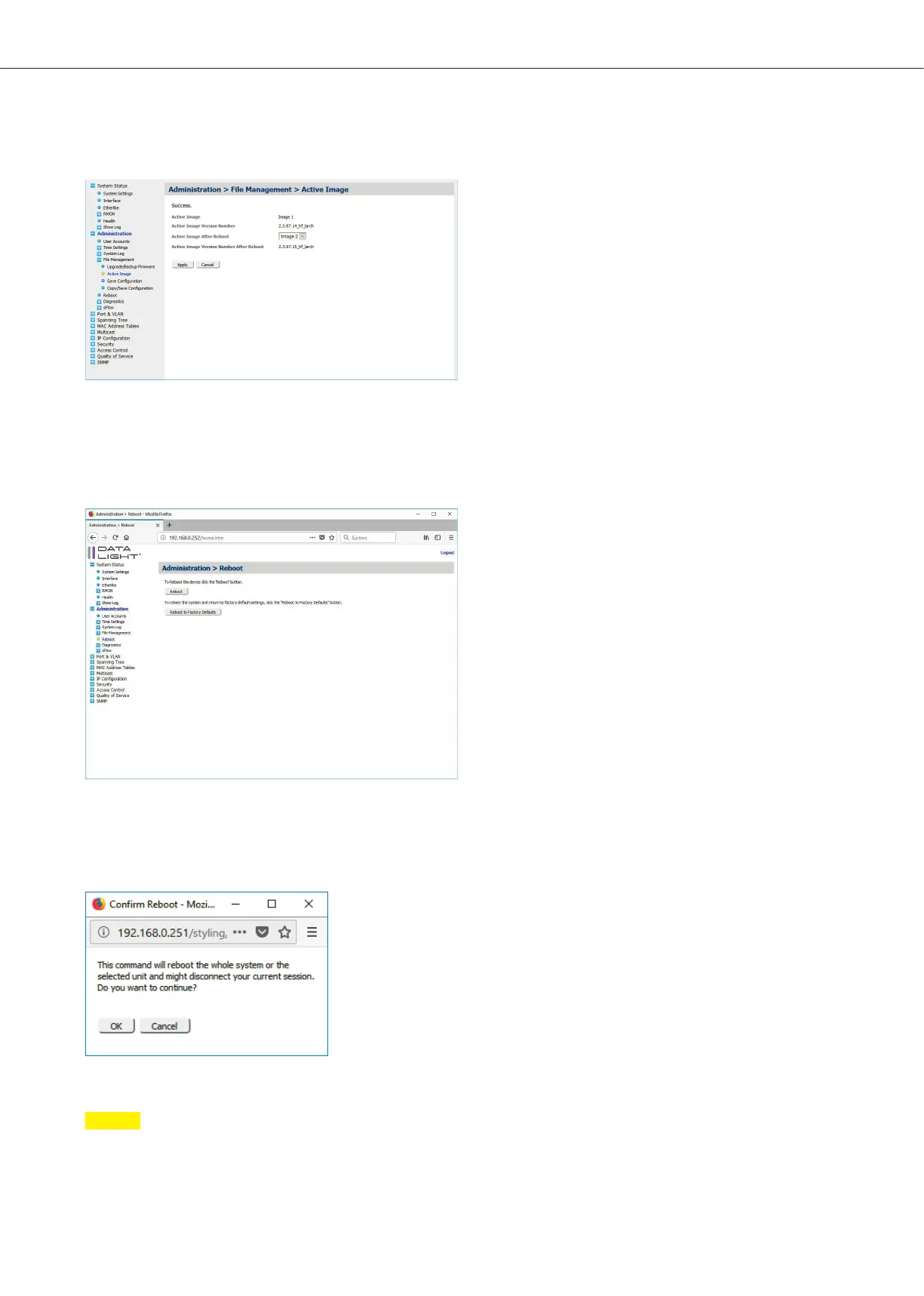
Figure 21: Active Image menu
If there is the newer firmware version under “Active Image Version Number After Reboot”,
then the update was successful and after reboot the new firmware version will be started.
In the Menu Administration > Reboot it is possible to reboot the device by just clicking the reboot button.
Figure 22: Reboot menu
After clicking reboot a small window will popup and it will inform you, that the system will be unreachable
for the next few seconds until the system fully rebooted.
Figure 23: Confirm reboot popup
Note
The running-config will be deleted. Be sure, that all done configuration are saved.
DATALIGHT Switch 12+4-Port 1000
13



 To Next Page