4 Multicast Configuration
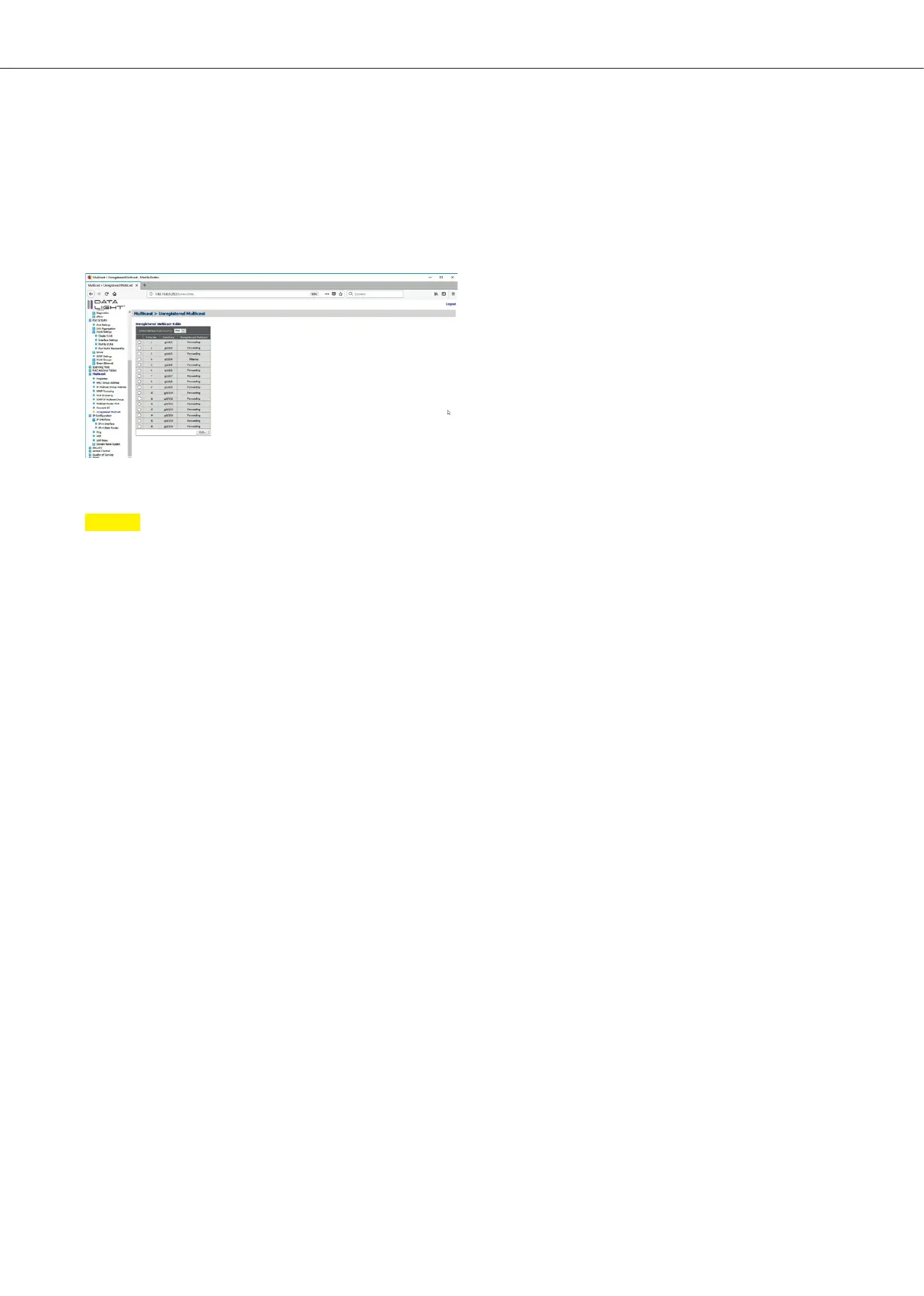
If no unregistered multicast should be allowed on the interface, change in this menu from
“Forwarding” to “Filtering” and click “Apply”.
The configuration can be seen in the Unregistered multicast table.
Figure 43: Unregistered Multicast page with filter configuration on Interface 4
Note
If all multicast configurations were done, don’t forget to save all done configuration permanent on the switch.
The save process is described in the section file management.
DATALIGHT Switch 12+4-Port 1000
23



 To Next Page