6 Cyclone PRO User Manual
CYCLONE PRO
devices. Follow these steps to create a SAP image:
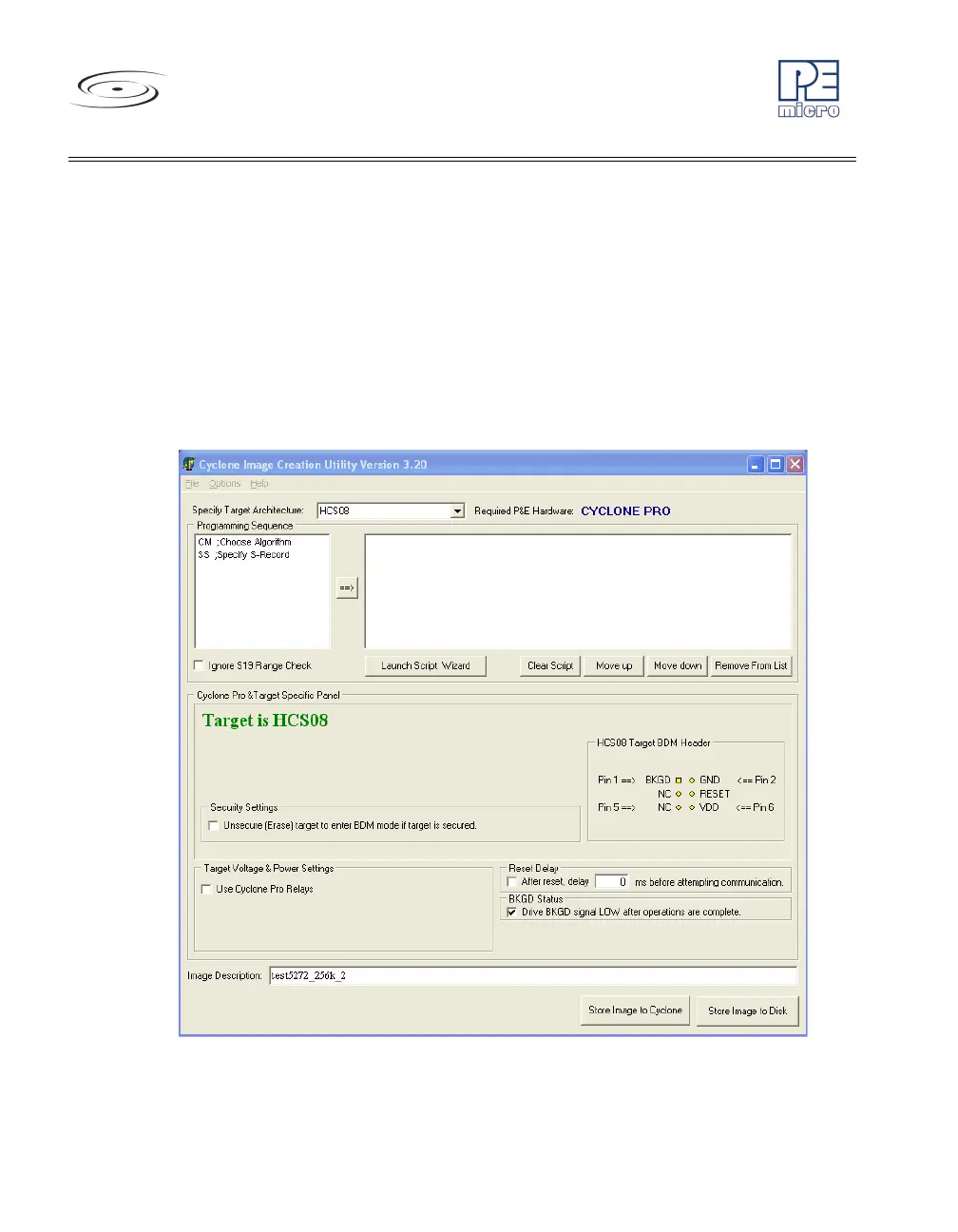
a. Run the Cyclone Image Creation Utility
This utility is a GUI designed to help users create architecture-
specific SAP images. To run this utility:
From the “Start” menu of your PC, navigate to “All Programs” -> “P&E
Cyclone PRO Programmer” -> “Stand Alone Programmer Utilities” ->
“Cyclone PRO Image Creation Utility” and select this utility. The utility
is shown in Figure 2-1. Continue with the steps below to create an
image.
Figure 2-1: Cyclone Image Creation Utility



 To Next Page