24 Cyclone PRO User Manual
CYCLONE PRO
4.1 Status Window
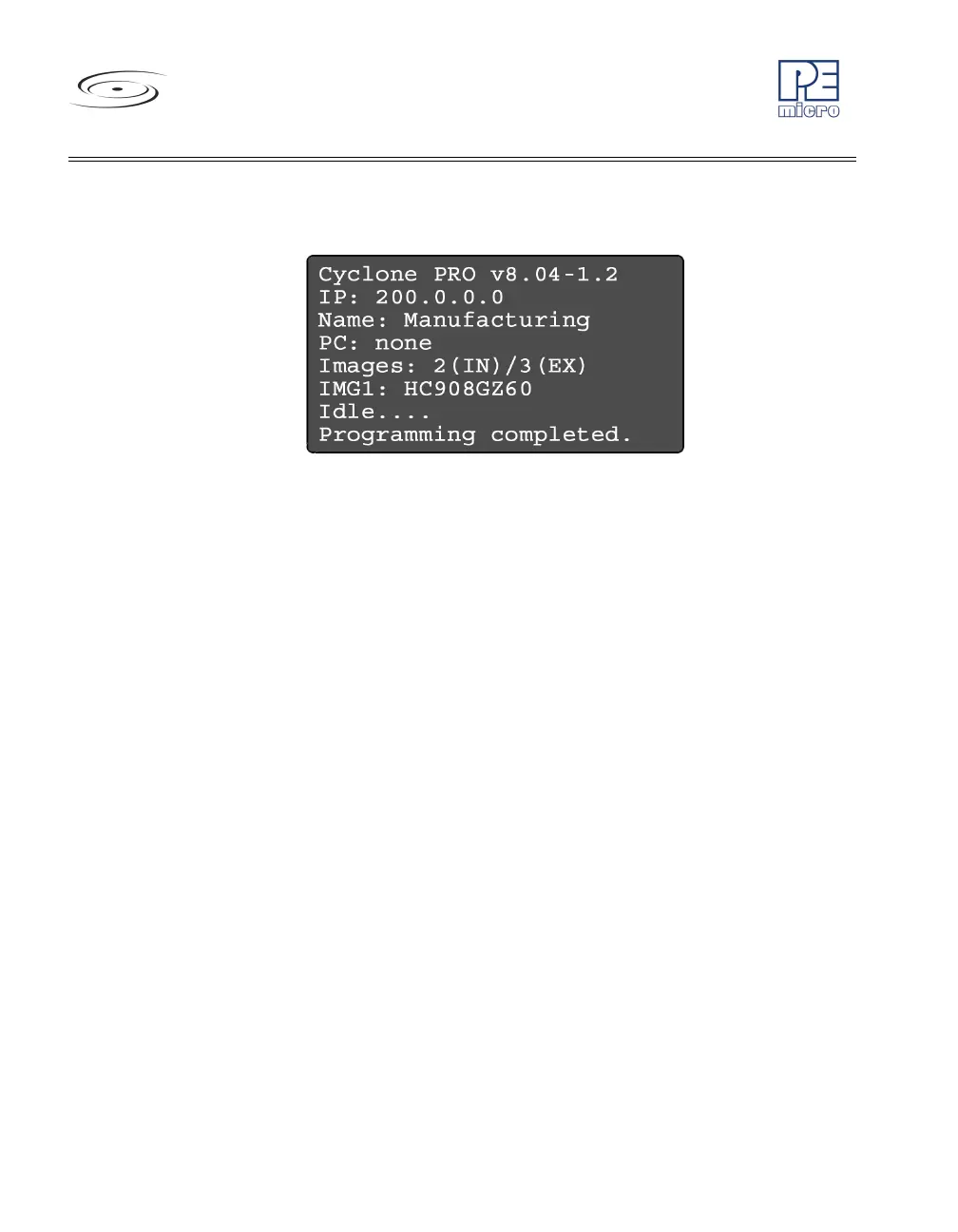
Figure 4-2: Status Window
The status window appears when the Cyclone PRO is powered on. This
window lists the following information:
1. Firmware version of the PRO.
2. IP address assigned to the PRO.
3. Name assigned to the PRO.
4. Name of the PC connected to the PRO.
5. Number of programming images in the PRO’s memory.
6. Name of the selected programming image.
7. Current status.
8. Results of the last operation performed.



 To Next Page