62 Cyclone PRO User Manual
CYCLONE PRO
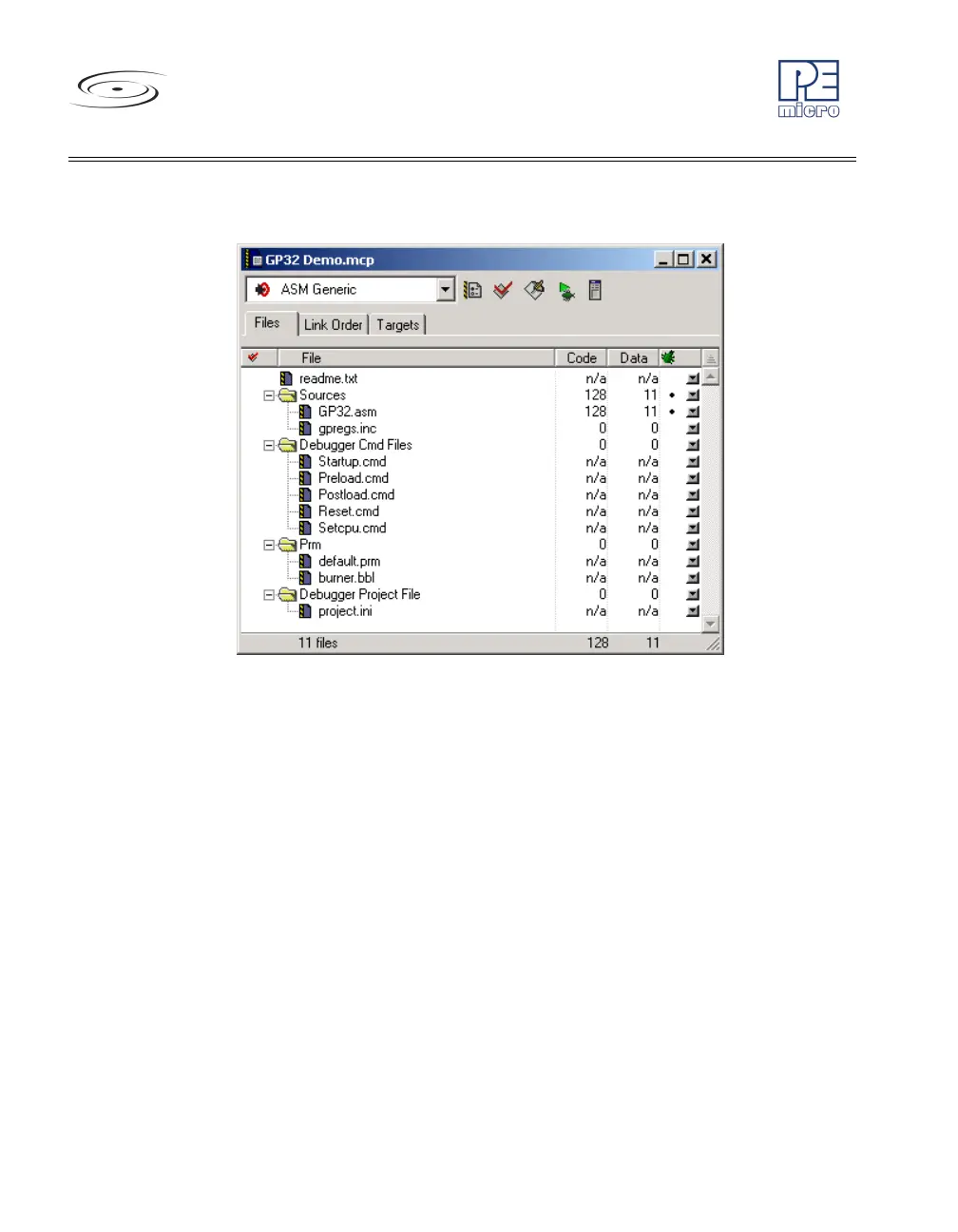
The Project Manager window appears. See Figure 8-4.
Figure 8-4: CodeWarrior Project Window
2. Click the + sign to expand the Sources folder.
3. Modify the source file if necessary.
4. Click the Debug icon (green arrow). The True-Time Simulator and
Real-Time Debugger launches. See Figure 8-5.



 To Next Page