66 Cyclone PRO User Manual
CYCLONE PRO
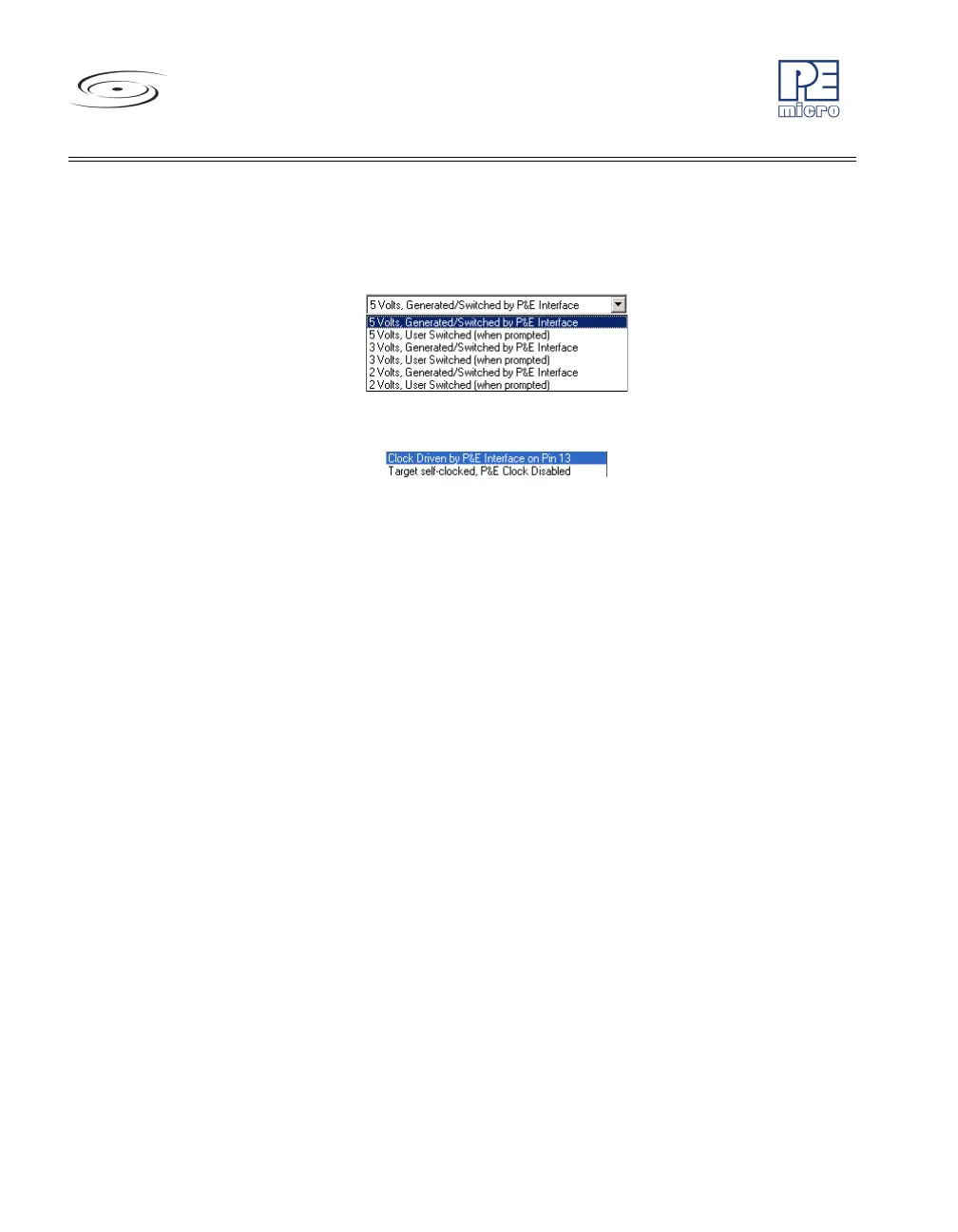
under user control. If it is under user control, the software will use dia-
log boxes to ask the user to power the target up and down when nec-
essary (similar to Class II-IV). See Figure 8-9.
Figure 8-9: Device Power Dialog
Figure 8-10: HC08 Device Clock Selection Box
3. The device clock menu allows two options. See Figure 8-10.
•P&E provides clock to target
•The device has its own clock
4. Click on “Refresh” which should display all P&E devices that are auto-
matically detected, such as Cyclone Pro USB, Cyclone Pro Ethernet
and USB-ML-MON08 Multilink. See Figure 8-11.



 To Next Page