Cyclone PRO User Manual 87
CYCLONE PRO
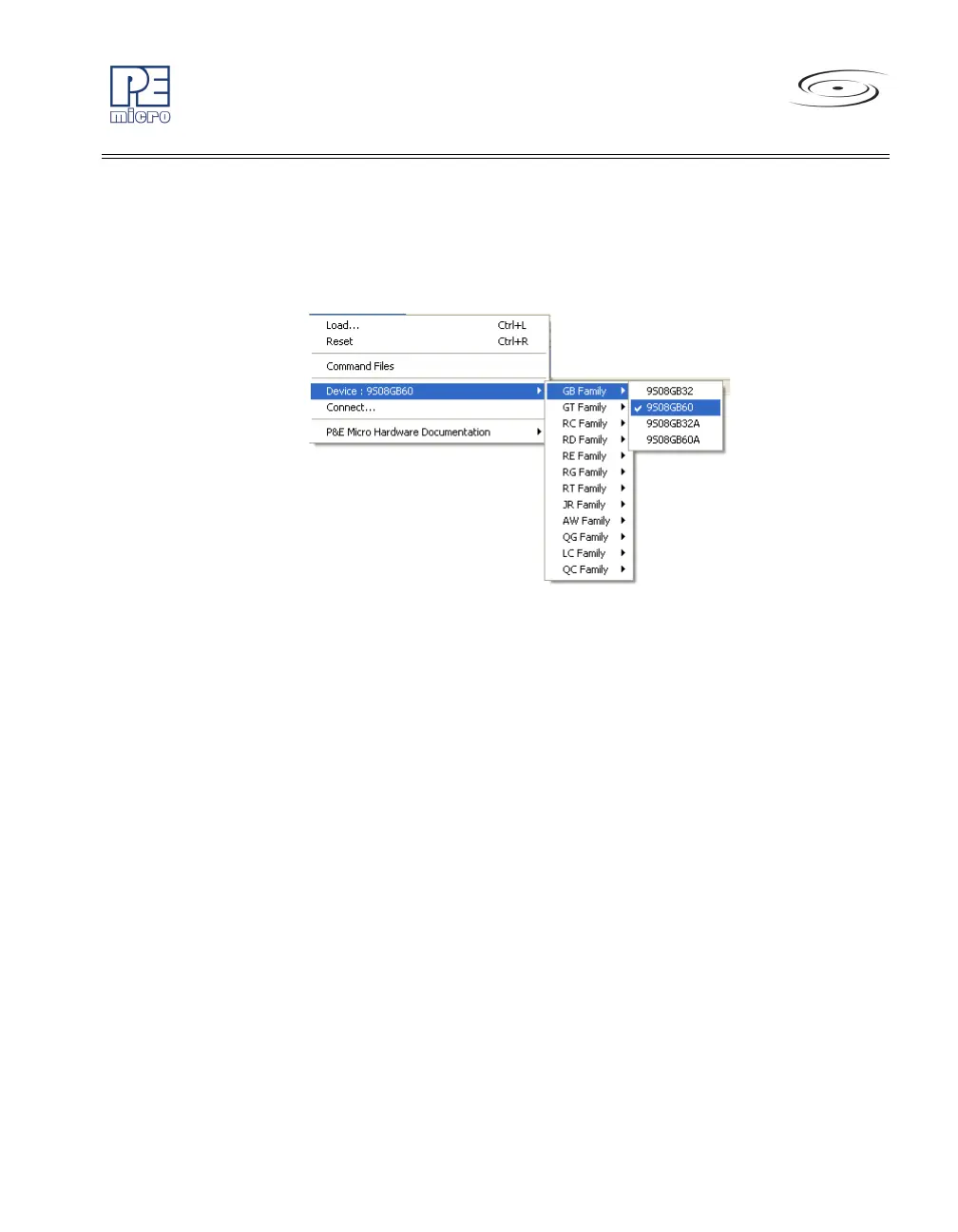
select the particular Freescale processor that they wish to use. When
choosing Device from the MultilinkCyclonePro menu, additional boxes
will open which allow you to select the family (e.g. GB Family), and device
type (e.g. 9S0GB60) of the MCU that you are using.
Figure 8-31: HCS08 Device Menu
8.4.3.2 Connect
The “Connect” option initiates an attempt to communicate with the device
chosen under the device section of the menu.
8.4.4 Active Mode Menu Options
When the microprocessor is connected, more menu entries become available
to the user.



 To Next Page