3.
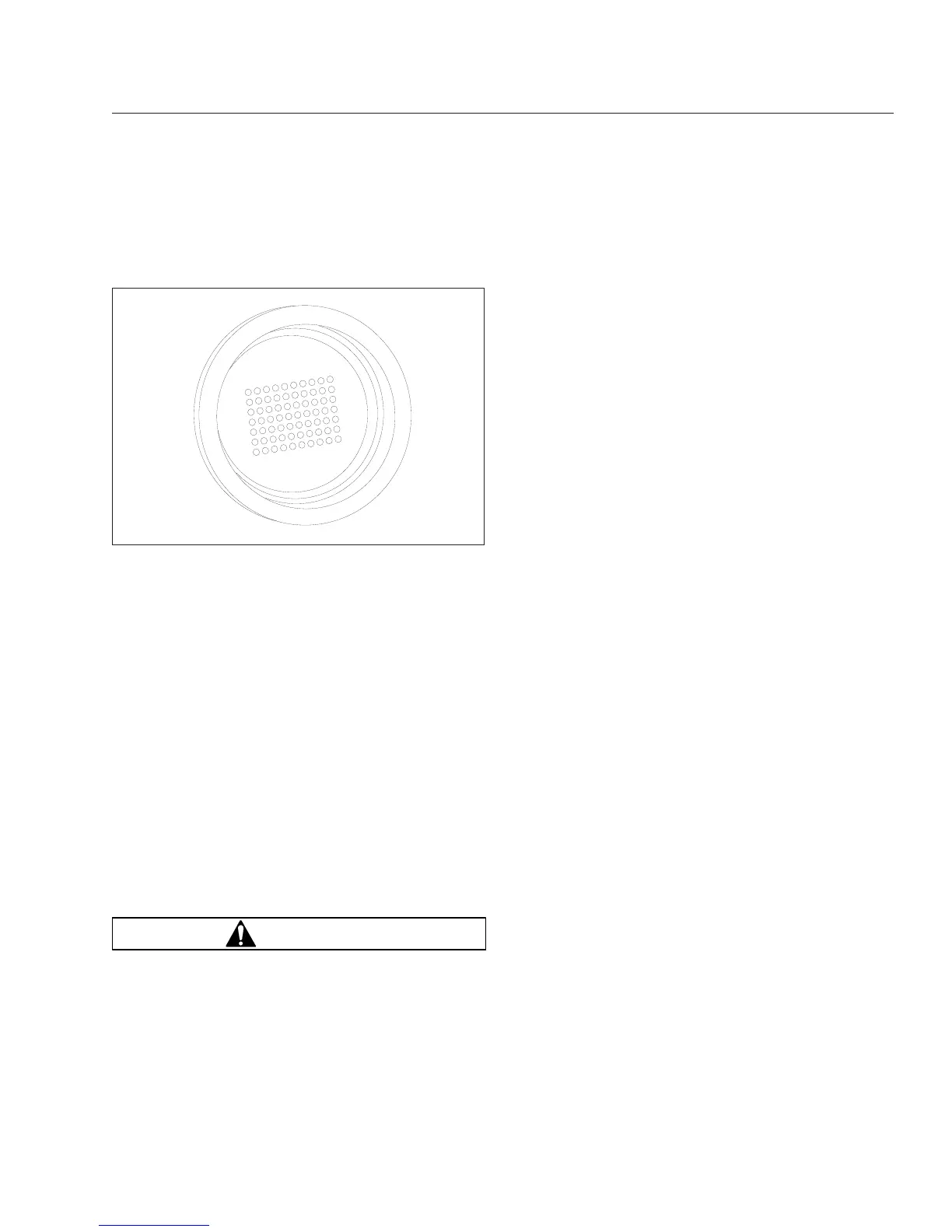
After the ignition is turned on, the current gear
indicator shows the dot display, arranged in a
square pattern. All dots in the pattern should light
up, without gaps or spaces. See
Fig. 14.3.
4.
Wait for the current gear indicator to show a solid
N. When the N is solid, rather than flashing, the
UltraShift DM TCU is powered up. Apply the ser-
vice brake and start the engine.
5.
Select drive (D) by pressing in the neutral lock
button and moving the selector switch downward
to the position below neutral. Release the park-
ing brake. The gear is displayed on the current
gear indicator.
NOTE: When D is selected, the transmission
controller starts up in second gear. If desired,
the driver can select to start up in first. No other
start gear is available.
6.
On a level grade, release the service brake and
press down on the throttle pedal to allow the ve-
hicle to move forward. The vehicle will not move
until the pedal is depressed.
WARNING
When starting or stopping on hills and grades,
use extra care to prevent the vehicle from rolling
back. A rollback accident could cause death, seri-
ous personal injury, or property damage.
7.
Prevent the vehicle from rolling backwards when
stopped on a hill or grade, or when the vehicle is
starting from a stop on a hill or grade.
7.1
To start from a full stop on a hill or grade,
quickly move your foot from the brake
pedal and press firmly on the throttle
pedal.
On steep hills, set the parking brake, and
release it only when there is enough en-
gine power to prevent rollback.
7.2
To stop on a hill or grade, press and hold
the brake pedal to keep the vehicle from
moving.
On steep hills, set the parking brake.
When parking, chock the tires, front and/or
rear. Never hold a hill with the throttle
pedal. This will cause the clutch to over-
heat.
Power Down
1.
Apply the service brakes.
2.
Select neutral (N) by pressing in the neutral lock
button and moving the selector switch to N.
When the N on the current gear indicator is solid,
rather than flashing, the UltraShift DM TCU is
ready to power down.
3.
With the transmission in neutral, set the parking
brake.
4.
Turn off the ignition key and shut down the en-
gine.
Automatic and Manual Modes
The SmartShift control has a slide switch located on
the body of the control lever just before the paddle
widens out. See
Fig. 14.4. The slide switch controls
the forward driving mode, automatic or manual.
To change mode at any time, move the slide switch
in the desired direction. This allows the driver to re-
spond to a wide range of driving conditions, such as
blind corners, tight curves, and steep hills.
IMPORTANT: Whatever the mode, it is always
possible to shift manually by moving the lever
up or down as needed. When the engine speed
is within 75 revolutions per minute (rpm) of the
load-based shift point for an automatic shift, the
UltraShift DM TCU will advance the shift.
In either mode, the gear indicator displays the cur-
rent gear. See
Fig. 14.5.
10/13/2003
f610678
Fig. 14.3, Power-Up Dot Display
Automated and Automatic Transmissions
14.6








 To Next Page